19
Adjusting reference fiber positioning
• Access the Optical Edge setup screen at;
Mx Button-->Setup-->Optical Edge
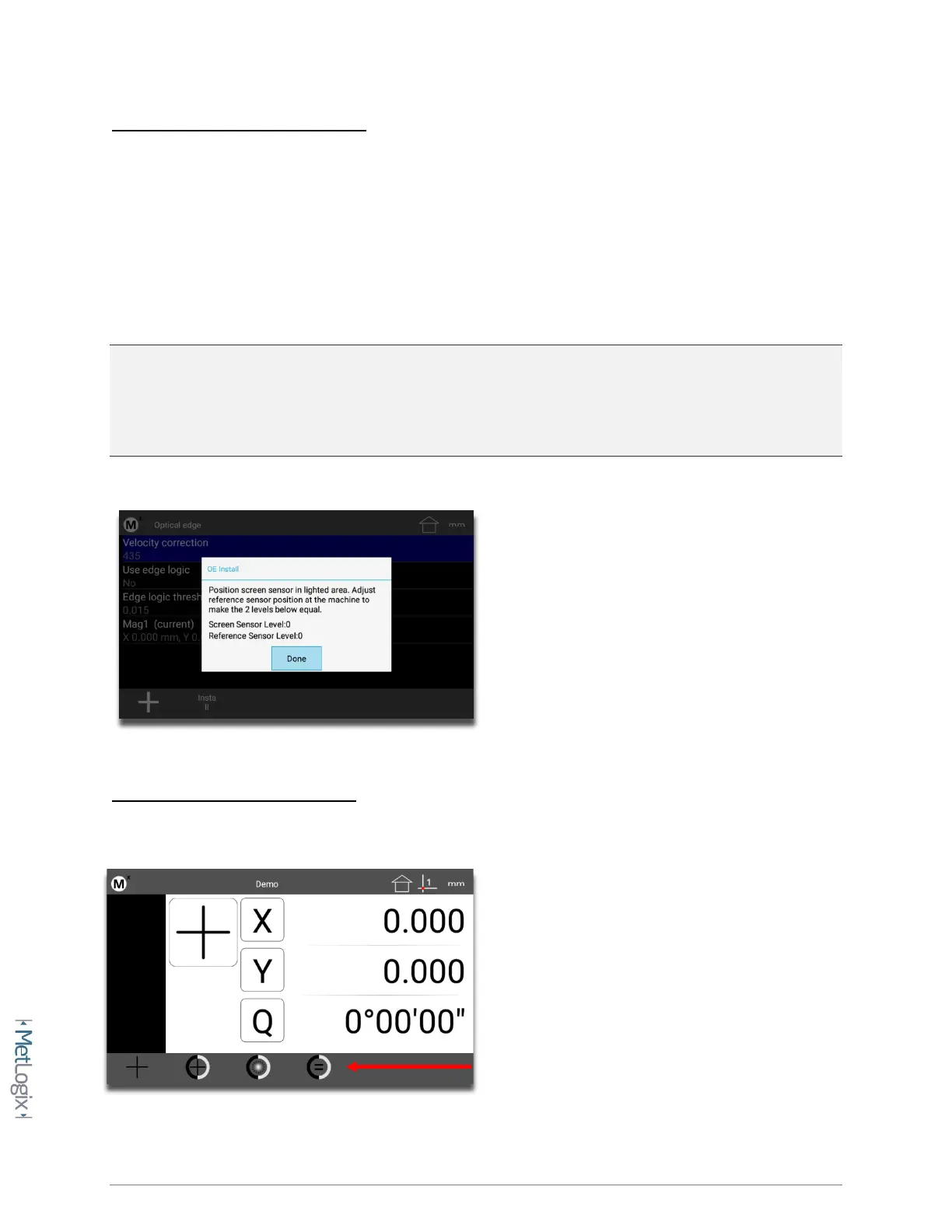
• Press soft key 2 to access the light level “Install” screen.
• Follow the instructions in the prompt, adjusting the position of the reference fiber in the
machine lamphouse until the Screen Sensor Level and Reference Sensor Level are “nearly”
equal. These two values do not need to be exactly the same but should be close.
Important: Both the Screen Sensor Level and Reference Sensor Level should be below a value of
“1000”. If the Reference Sensor Level is at 1000 you made need to position the lamphouse fiber
pointing further away from the light source or add an additional attenuation device at the fiber
optic termination.
Calibrating the Optical Edge Sensor
• Select the Optical Edge teach button from the Probe Menu(softkey 4).



 To Next Page