4
KIT PREPARATION
From the factory radio/climate control
panel:
1. Unclip and remove the a/c vents and
chrome vent trim.
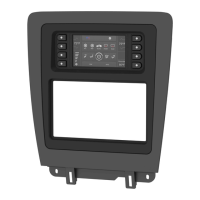
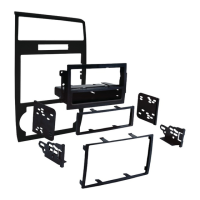
To the 99-5722 radio/display trim panel:
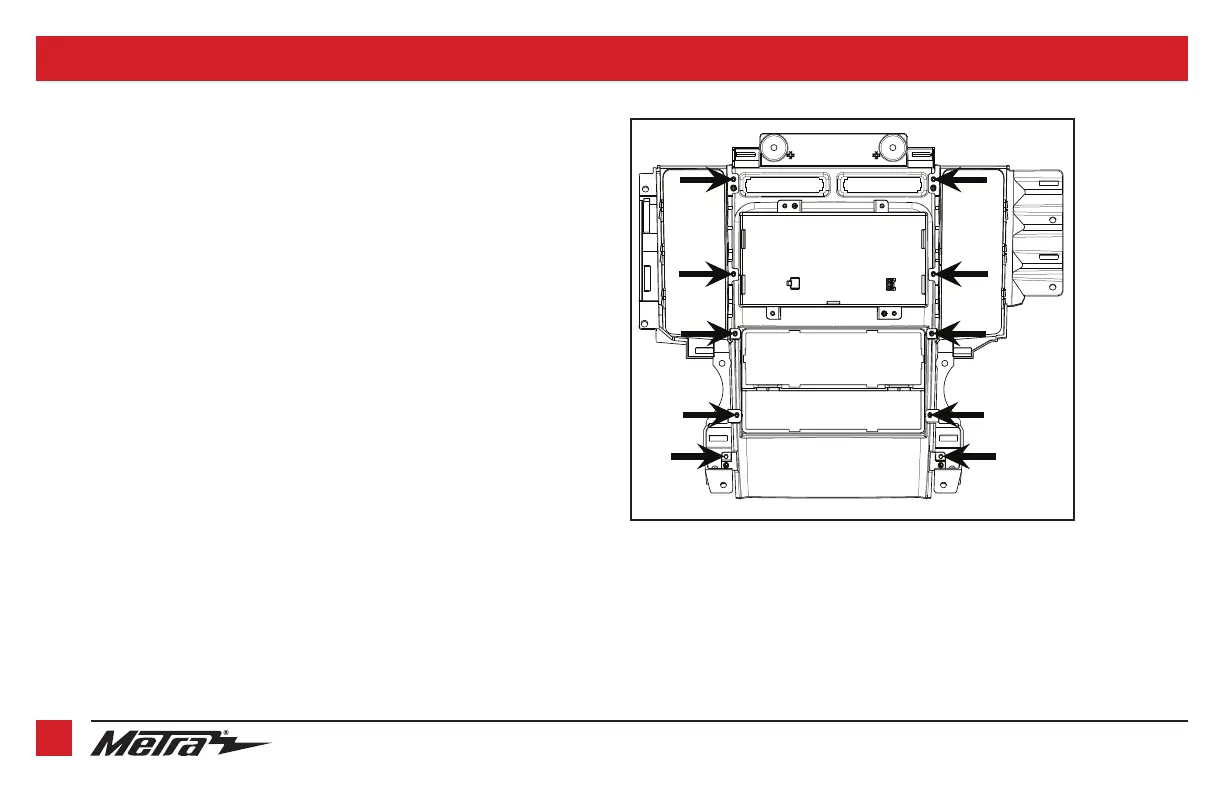
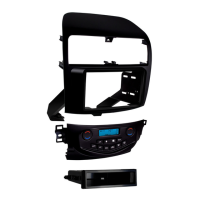
1. Secure the A/C vent trim panels to the
radio trim panel with touchscreen
display
using the (10) #8 x 3/8” Phillips
screws provided. (Figure A)
2. Snap in the factory a/c vents and chrome
vent trim.
Note:
The vents are labeled L and R on
the top.
Continue to Kit Assembly
(Figure A)


 To Next Page