3
REV. 4/16/2019 INST99-5839CH
KIT PREPARATION
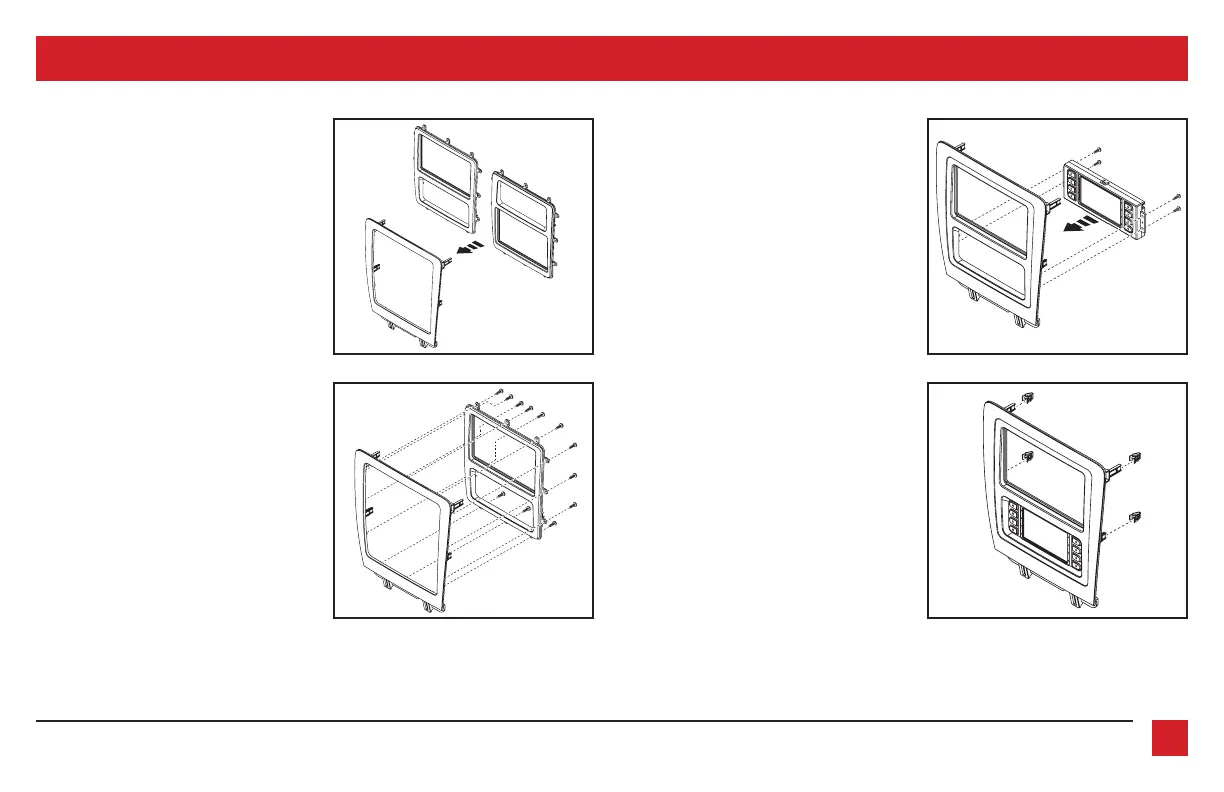
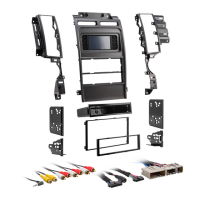
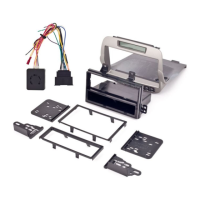
1. There are two different radio/display
sub-trim panels to choose from. One for
mounting the radio in the upper portion
of the kit, and another one for mounting
it in the lower portion. (Figure A)
If mounting the radio in the upper
portion, a factory module will need to
be re-located:
a. Remove the module from the sub-
dash and relocate it to the bottom
of the dash opening. The mounting
brackets attached to the module will
need to be bent outward to make
room for the radio.
(Figure B) (Figure D)
(Figure A) (Figure C)
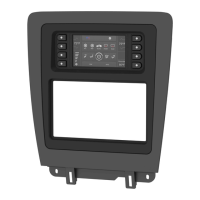
2. Attach the desired radio/display
sub-trim panel to the radio/display
panel using the (12) #6 x 3/8” pan-head
screws provided. (Figure B)
3. Attach the touchscreen display
assembly to the radio/display sub-
panel using the (4) #8 x 3/8” truss-head
screws provided. (Figure C)
4. Attach the (4) panel clips provided to
the radio/display panel. (Figure D)
Continue to Kit Assembly


 To Next Page