99-7804B
Touch Screen Instructions
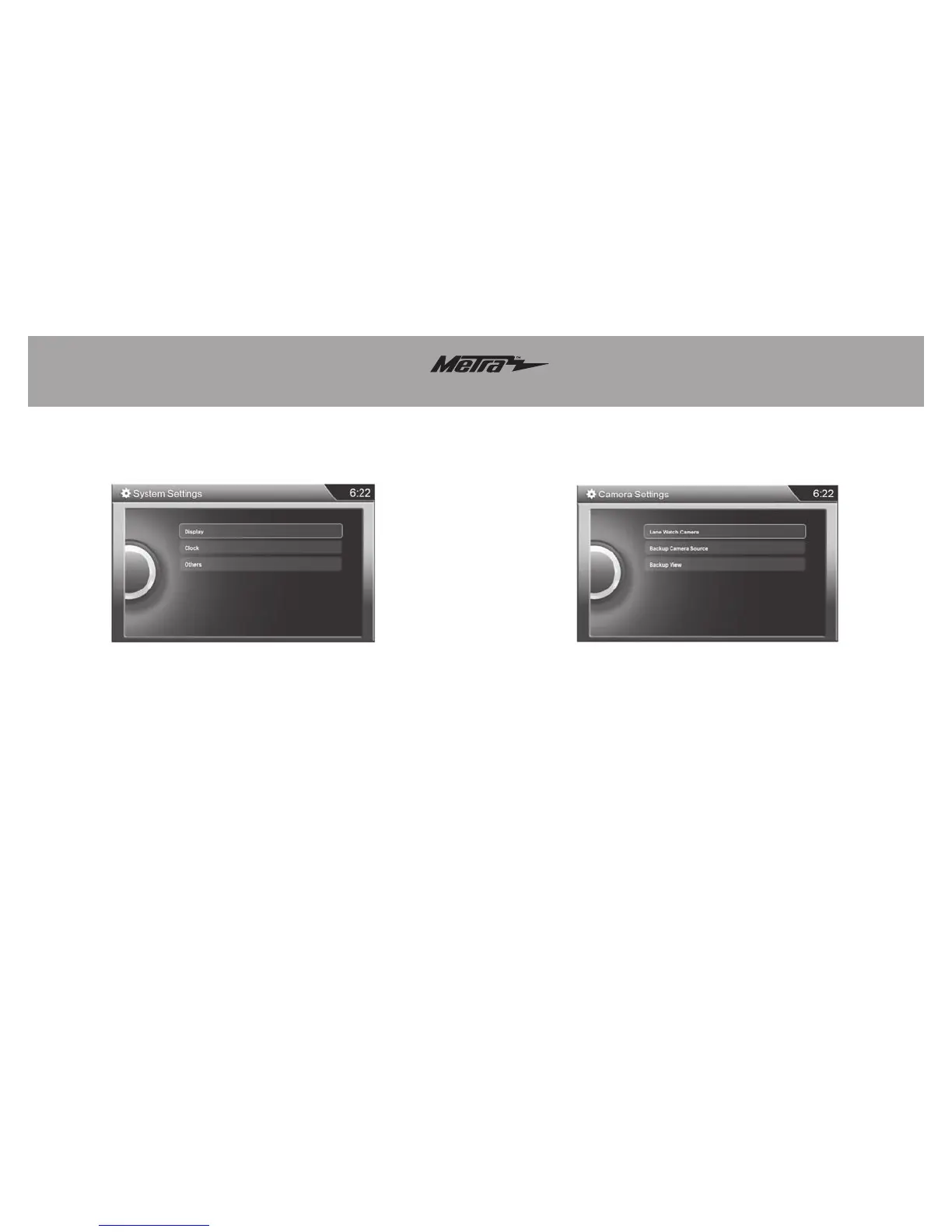
This menu option allows for a
background change on the clock, the
ability to adjust the clock, and select
the year range for interface.
This menu allows you to turn the
LaneWatch camera on and off, change
the view of the Rearview Camera, and
allow you to add a aftermarket camera
if the car is not equipped with a factory
rearview camera.
LaneWatch Calibration
Note: The LaneWatch button is
located on the left side of the
steering wheel, on the stalk.
• Press and hold the LaneWatch
button for 50 seconds to begin the
LaneWatch aiming procedure
(this procedure should only be
done by a Honda authorized
technician). At this point the
display will also show an image of
the LaneWatch camera feed, with
instructions on what to do — a
Honda authorized technician will
know what to do from here.
System Settings Camera Settings



 To Previous Page