3
99-7863
KIT ASSEMBLY
Slide the aftermarket head
unit/bracket assembly into the
radio opening until the side clips
engage.
(Figure B)
2
Snap the ISO trimplate over the
head unit.
(Figure B)
3
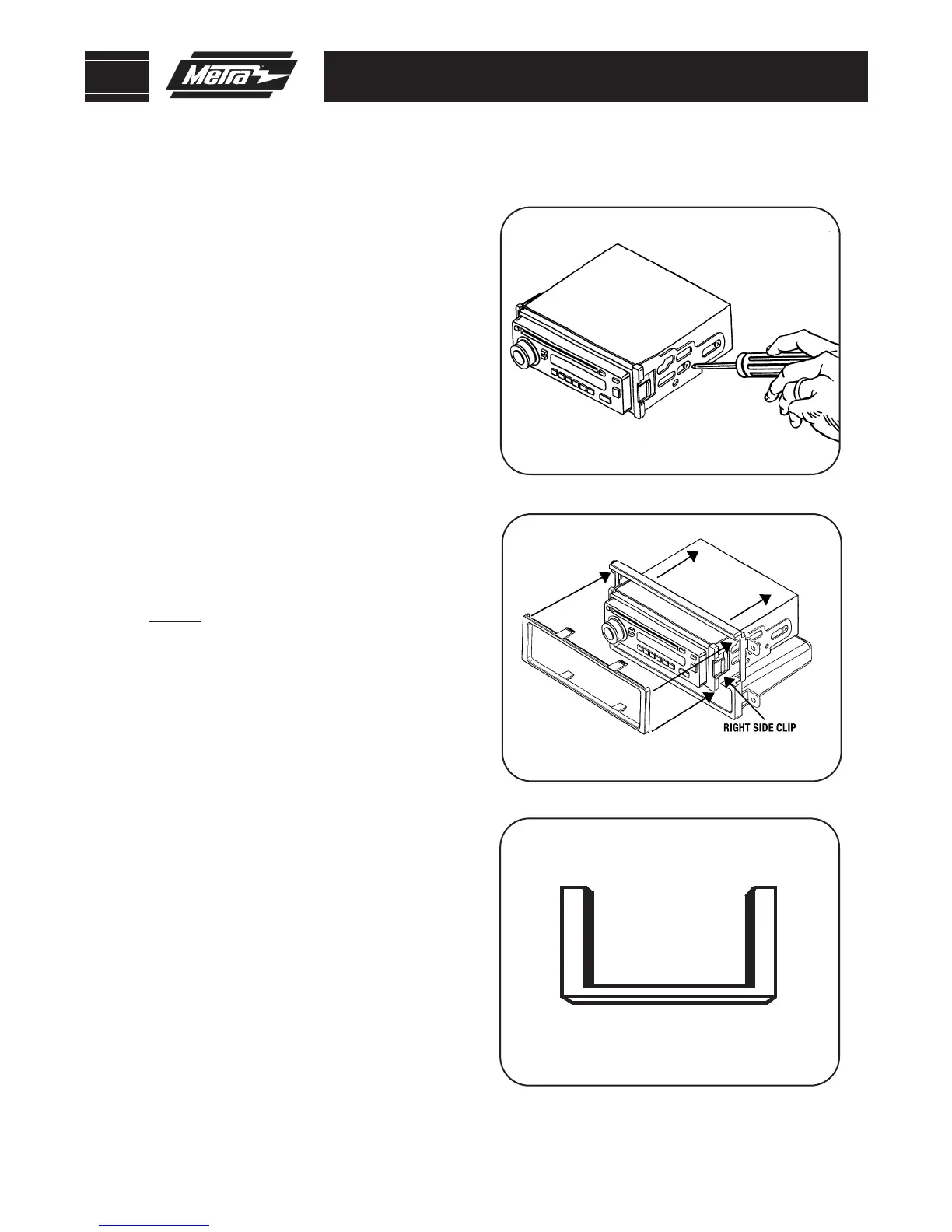
Align the holes in the ISO snap
In brackets with the holes in the
head unit and mount the brackets
to the head unit with the screws
supplied with the unit.
(Figure A)
1
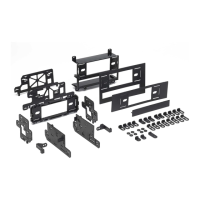
ISO HEAD UNIT PROVISION WITH POCKET
A
B
NOTE: Models equipped with factory
DDIN radio will require supplied O.E.
replacement panel.
(Figure C)
Continue to final assembly.
C



 To Next Page