Insert a new module for the Multi Autolab Cabinet
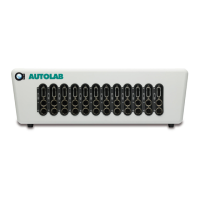
Since only one LED is lit, the position of the M101 or M204 module inside the Multi Autolab
Cabinet can be easily identified (see Figure 37).
Figure 37 – The cell status LED of the selected M101 or M204 module (position 1) is lit green
Write the identified position number in the frame on the right-hand side of the application,
the Cabinet position field (see Figure 38).
Figure 38 – Write the location of the M101 or M204 module in the Cabinet position field
33 | Page


 To Next Page
 Loading...