Synchronization
VCO2 and VCO3 can be synchronized to VCO1. Press the SYNC
button for the corresponding oscillator to enable this function (LED is
being lit red). In sync-mode, e.g. VCO3 follows the pitch of VCO1. To
achieve the classic sync-sound, you will need to modulate the pitch
of VCO3 , e.g. by an envelope. It is recommended that the DCO-
mode of SYNTH PRO is disabled in this case.
Frequency Modulation (FM)
It is possible to use VCO3 to modulate VCO2
and/or VCO1 in frequency. To do so, press
the FM buttons in the sections VCO1 and
VCO2. The corresponding LEDs will be lit red.
By using the FM SELECT button in the VCO3
section, it is possible to specify the
modulation source.
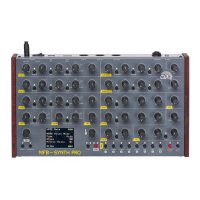
The lowermost display-row shows the menu:
FM Select: Pot, LFO1, LFO2, Env1, Env2, Env3
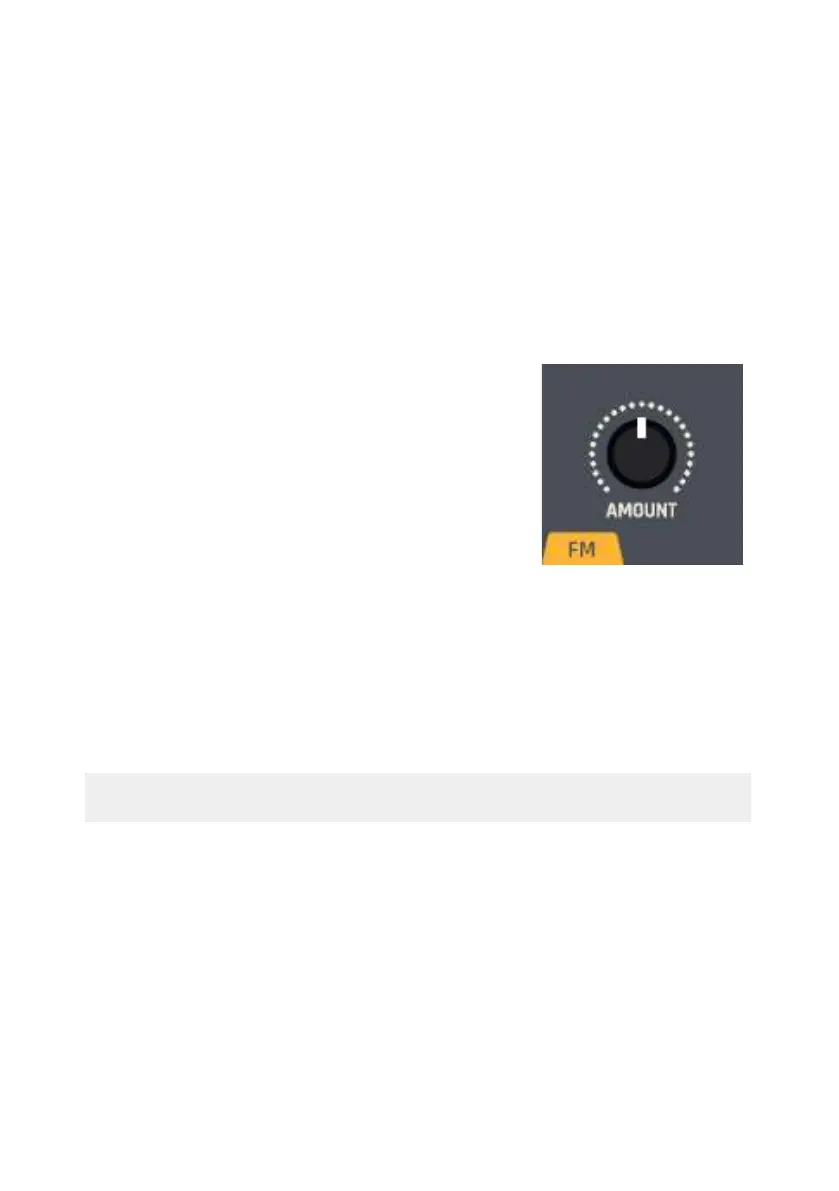
The modulation intensity of the selected source is set by the AMOUNT
control in the FM section.
Hint: With the oscillators being in DCO-mode, FM cannot be
activated.
Oscillator Mix
The oscillator section includes the volume control for the VCOs. Use
the LEVEL controls to adjust the VCOs’ levels.


 To Next Page