EFFECTS
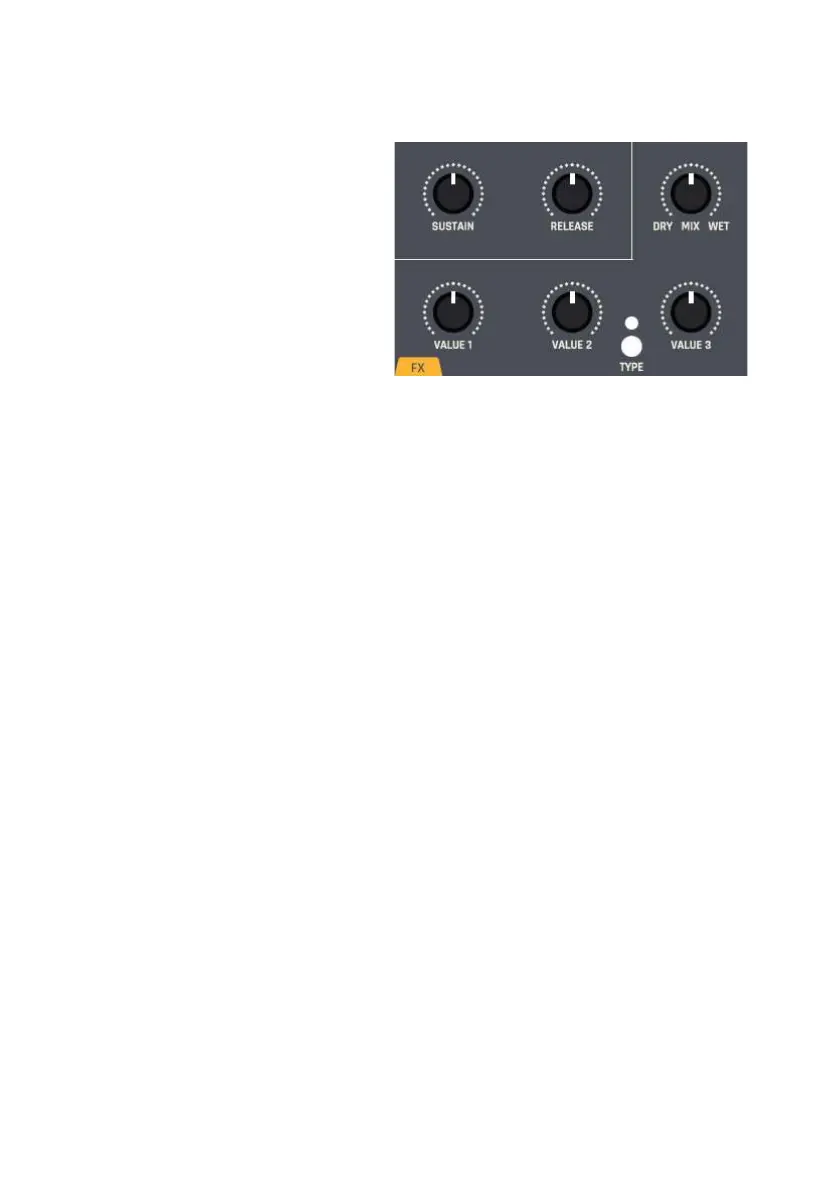
From the VCA, the signal of
SYNTH PRO is fed into the
effects processor. Use TYPE to
toggle between the
available algorithms:
Reverb1 (LED off), Reverb2
(LED lit red), Delay (LED lit
green), Chorus Reverb (LED lit
red/green). Use the DRY MIX
WET control to blend
between the pure synthesizer
signal and the processed
signal.
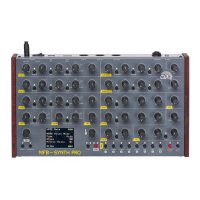
The controls VALUE 1, VALUE 2 and VALUE 3 adjust one dedicated
parameter of the selected effect each.
TYPE VALUE 1 VALUE 2 VALUE 3
Reverb 1 Time HF Filter LF Filter
Reverb 2 Time HF Filter LF Filter
Pitch/Delay Pitch Shift Delay Delay Mix
Chorus/Reverb Reverb Mix Chorus Rate Chorus Mix
MASTER – MAIN OUTPUT
The MASTER OUT control is used to adjust the output level.


 To Next Page