SEQUENCER
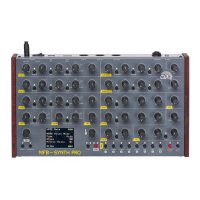
The sequencer of SYNTH PRO can store 240 patterns, each with a
length of up to 16 steps. The sequences can be entered
monophonic or polyphonic using an attached MIDI-keyboard.
Sequence – Selection and Storing
To select a sequence, press the SEQUENCE button. The lowermost
display-row will show the respective sequence 1 to 8 and the
respective bank 01 to 30. Use the VALUE encoder to select a bank.
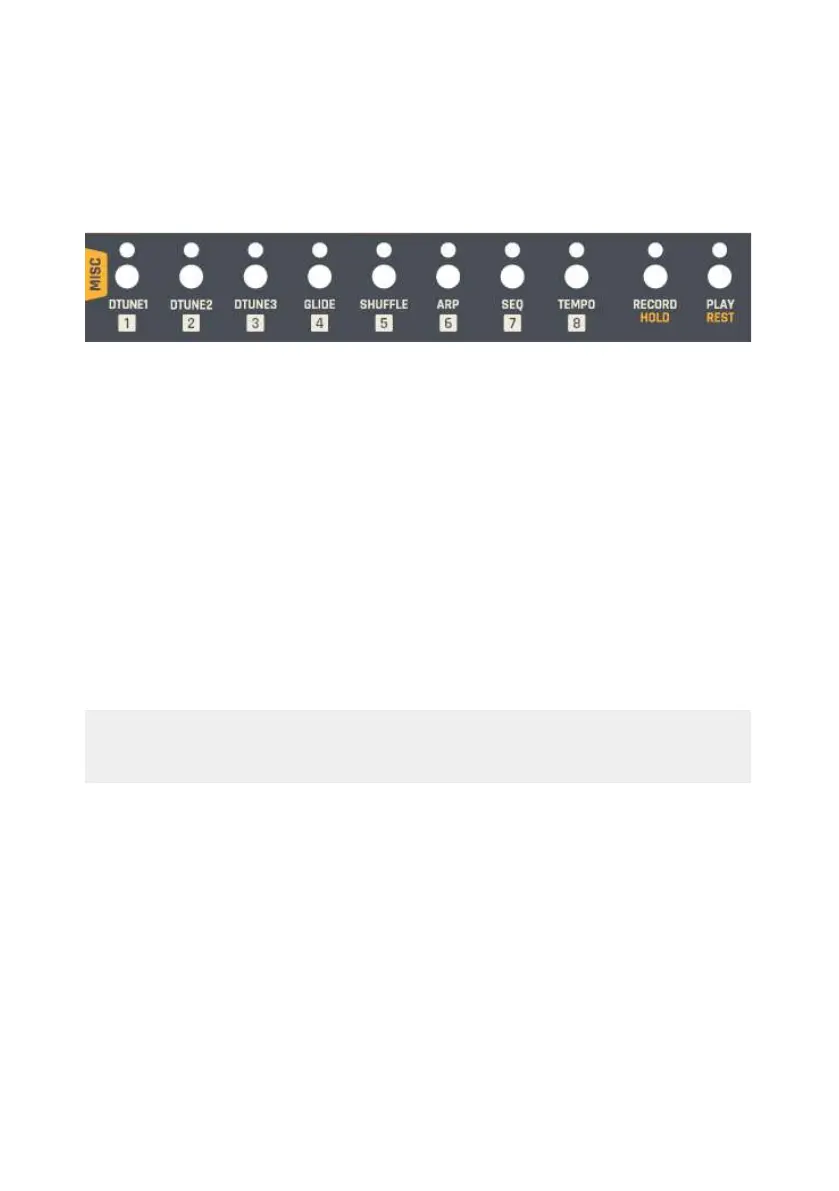
Subsequently, use the MISC buttons 1 to 8 to call up a sequence in
that bank.
To store a sequence, first press the STORE button – the two LEDs
above are being lit red/green. Subsequently, press the SEQUENCE
button (LED being lit red), select a bank using the VALUE control and
press a MISC button 1 to 8. The sequence is now stored and the LED
above SEQUENCE turns off.
Hint: To avoid possible issues with hanging notes, do not run the
internal sequencer or arpeggiator while loading or saving. Also,
avoid sending MIDI-notes to the MIDI-input.
Sequence – Input and Playback
To program a sequence, press the MISC button SEQ (7) first and
activate the sequencer. The corresponding LED will be lit red.
To start programing, press the RECORD button. The corresponding
LED will be lit red.
Enter single notes or chords step by step using a MIDI-keyboard.
Chord notes need to be pressed simultaneously.
It is possible to insert a pause instead of a note by pressing
PLAY/REST.


 To Next Page