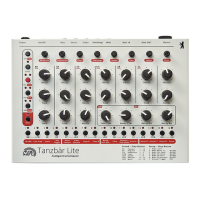
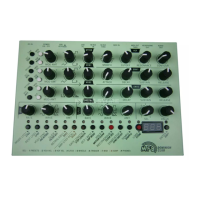
MFB Tanzbär Lite
MFB Tanzbär Lite
Record Mode – Programming Patterns
24 25
Record Mode – Programming Patterns
Again, let‘s pretend a track has been selected and the Record mode enabled (see pro-
gramming step 1). The selected track (RS, CP, T/C, CYM) features some steps (see
programming step 2) which – if necessary – have to be selected in order to be edited (Hold
Select + press step(s) – their corresponding LEDs will start ashing). Please now proceed
as follows:
• Hold Snd. Depending on the previously selected track, the step keys 1-16 (for „RS
Volume“ or „CP Impulse“) or 1-4 (for „T/C Panorama“) or 1-8 (for „CYM Tune“) will
be ashing, telling you that a parameter value between 1 and 16 resp. 1 and 4 or
1 and 8 can be selected using corresponding step keys.
• Keep on holding Snd + press step keys 1-16 or 1-4 or 1-8 to select a desired para-
meter setting.
You may press several step keys consecutively to try out different parameter value
settings. The step key selected last will light up permanently.
• Release Snd to exit Shift mode. The selected steps will start ashing again.
All steps selected previously (ashing again) will now receive the current parameter set-
ting. All further steps you set will also receive this setting. To change these settings again,
rst „lock“ (see programming step 7) and re-select (see programming step 8) the desired
steps before you enter new values.
7. „Locking“ already programmed steps
Do you like the track you have come up with? That‘s cool – please
• Press Select.
The steps that have previously been ashing will now light up permanently. This is to tell
you that the steps have been set and un-selected, i. e. the editing process of these steps
has been completed for the time being. Their parameter settings are now protected against
overwriting them unintentionally – in other words, they are rmly „locked“ away.
You may lock any steps at any time during the programming procedure described above.
Please note: The currently „locked“ settings are now only protected against
getting overwritten unintentionally but they have not yet been stored perma-
nently in the pattern itself. If you were to change the pattern now (or decide
to power down your Tanzbär Lite because of your neighbors complaining),
the step settings that had just been programmed would be lost forever. To
store them permanently, you need to use the „Store Pattern“ function which
will be discussed on page 34.
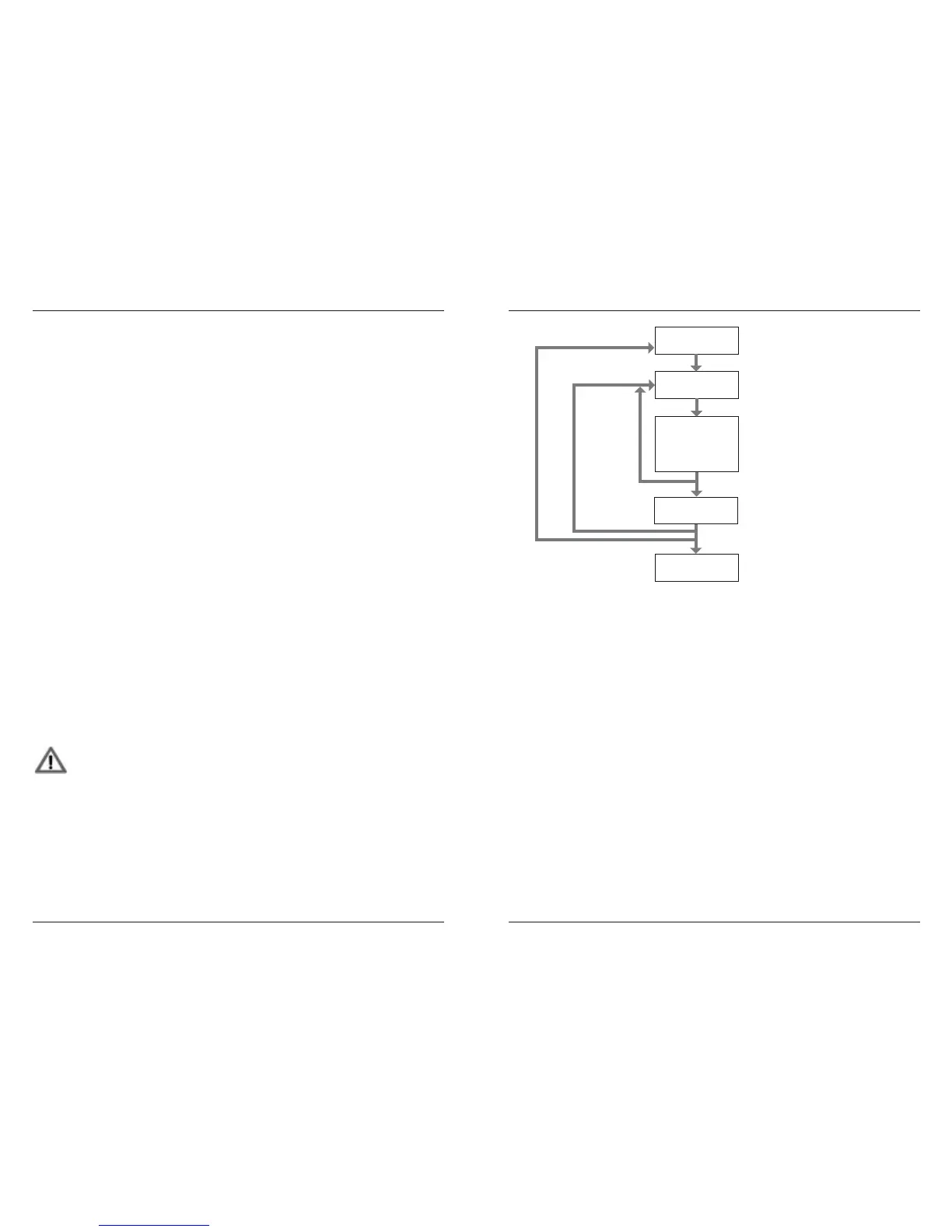
The following diagram shows a slightly simplied programming sequence of a track. To
simplify matters, all step edits (sound, accent, ams etc. – see programming steps 3-6)
are summed up in one single programming step.
8. Continuing programming process
Still not satised with your track? No problem – you can proceed with your track program-
ming work any time and set / edit / erase steps or edit already existing ones, no matter
whether individually or in groups.
To re-select and edit already set steps, please
• Hold Select + press step key(s).
The LEDs of the selected step will ash again, showing you that these steps have now
been selected and are ready to be edited. The process continues from programming
step 3.
To create / edit another track, start again at programming step 1. That way you can create
an entire pattern track by track.
9. Copying sound setting to other steps
You are lucky – you do not need to perform the entire programming procedure for eve-
ry new step all over again. Tanzbär Lite features a copy function that copies the sound,
accent, and am settings to other steps very easily, as well as the impulse and sample
selection of any step. Please
• Hold Select + press the source step key. Its associated LED will start ashing.
start Step Rec
/ select track
exit Step Rec
set step(s)
• hold Rec + press Track
• press Step(s)
• press Select
• press Rec
• move Sound/Data control
use accent-, flam-functions,
add. sound parameters etc.
right Rec LED lights up
Rec LED off,
Step LED(s) off
Step LED(s) flash
Step LED(s) flashes
Step LED(s) lights up
new
step(s)
with
same
sound
with
new
sound
new
track
tweak sounds,
set accents, flams
etc.
lock step(s)


 To Next Page
 Loading...