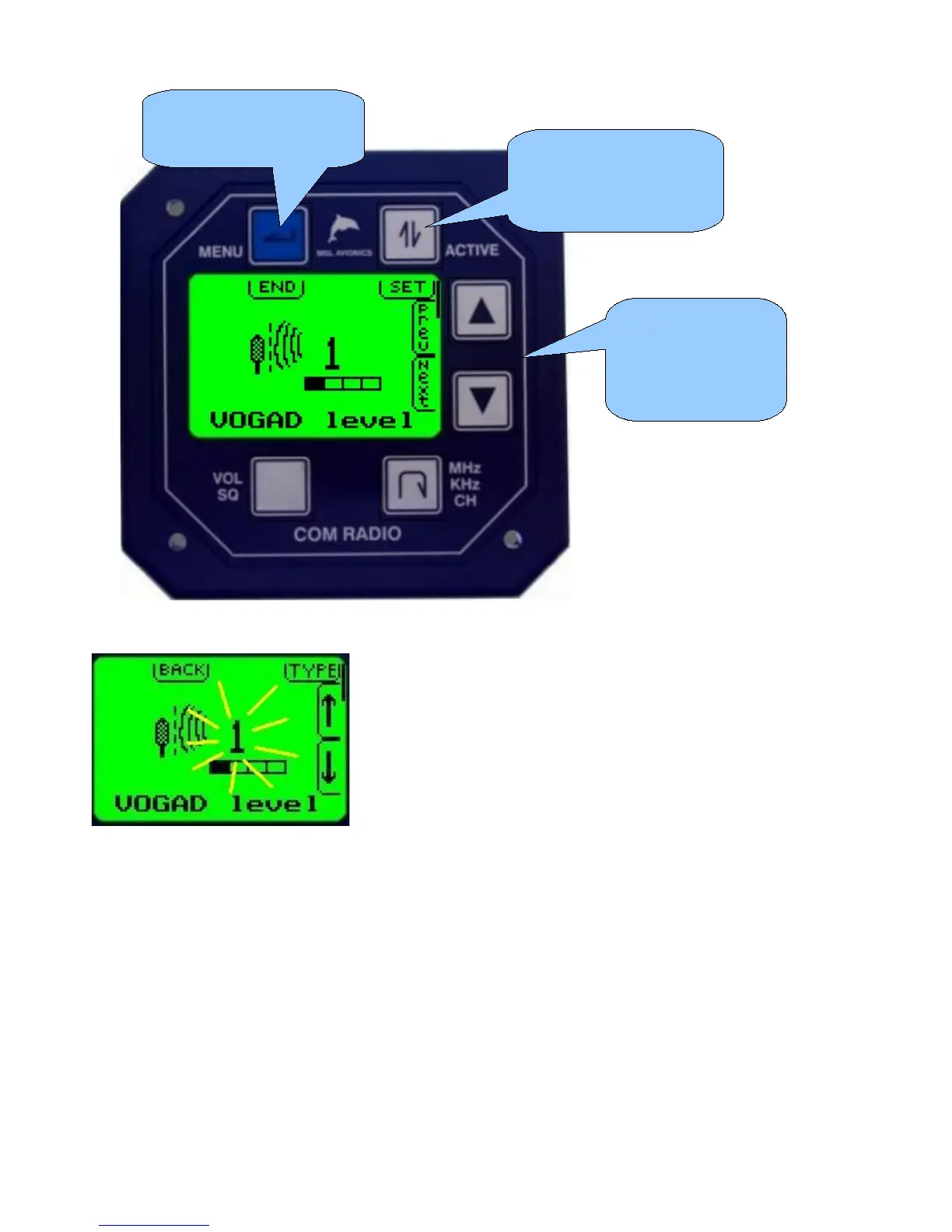
Once a menu function has been selected, it will change
according to the functionality provided.
As an example, here the ambient noise suppression system
has been selected and you can select both the type of system
to use and set sound/noise levels as required.
Press the up and
down arrow buttons
to select the desired
menu function
Press this button if you
would like to
change/edit/select the
current menu item
To return to normal
operating mode press
the menu button



 To Next Page