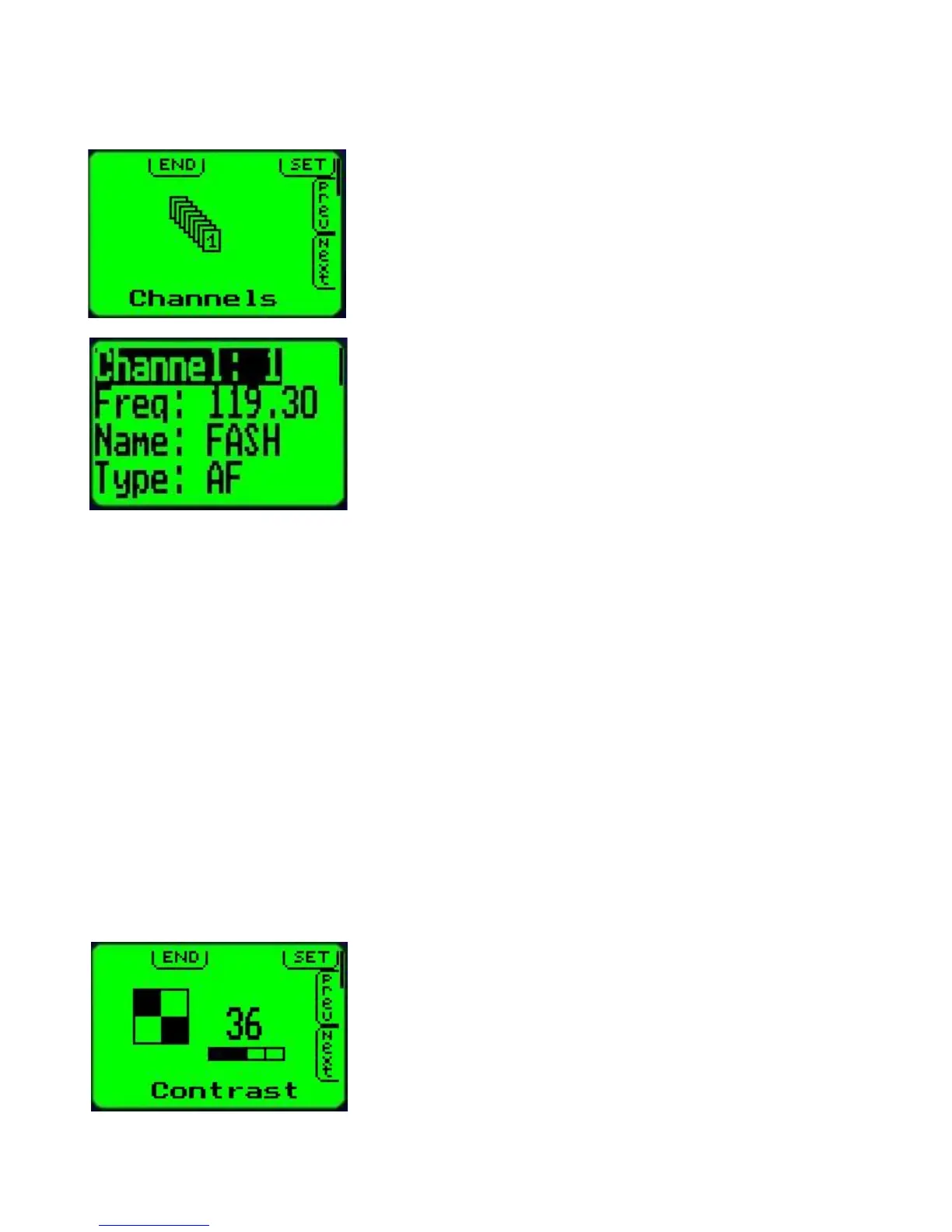
Program channels
This function, if selected will enter the memory channel
programming system.
Memory channels can be programmed using this function or
they can be downloaded from a PC using the provided
software.
The V10 provides 100 channels for pre-programmed
frequencies. Each channel contains frequency, name of the
frequency (for example airport name) and type of the
frequency (for example “Tower”).
Name and type can be up to 6 characters long.
Use the active/standby button to move the highlight (inverted part of the display) to the
desired line for editing.
Channel selected:
Use the up and down arrow buttons to select the channel to edit.
Frequency selected:
Use the MHZ/KHZ/CH key to select change of MHZ or KHZ (the MHZ or KHZ part will flash to
indicate which is selected.
Use the up and down arrow buttons to edit the frequency.
Holding down the MHZ/KHZ/CH button for 1 second will switch between 25 and 50 Khz steps.
Name or Type selected:
Use the MHZ/KHZ/CH button to select the character position to edit.
Use the up and down arrow button to change the character.
Press the “Menu” button to return to the menu when you are finished editing channels.
Contrast
Adjust the display contrast. A value of between 30 and 40 is
suitable for most environments. A lower value results in a
lighter display while a higher value results in a darker display.
Adjust the contrast such that dark areas are fully saturated
while light areas do not show any darkening.



 To Next Page