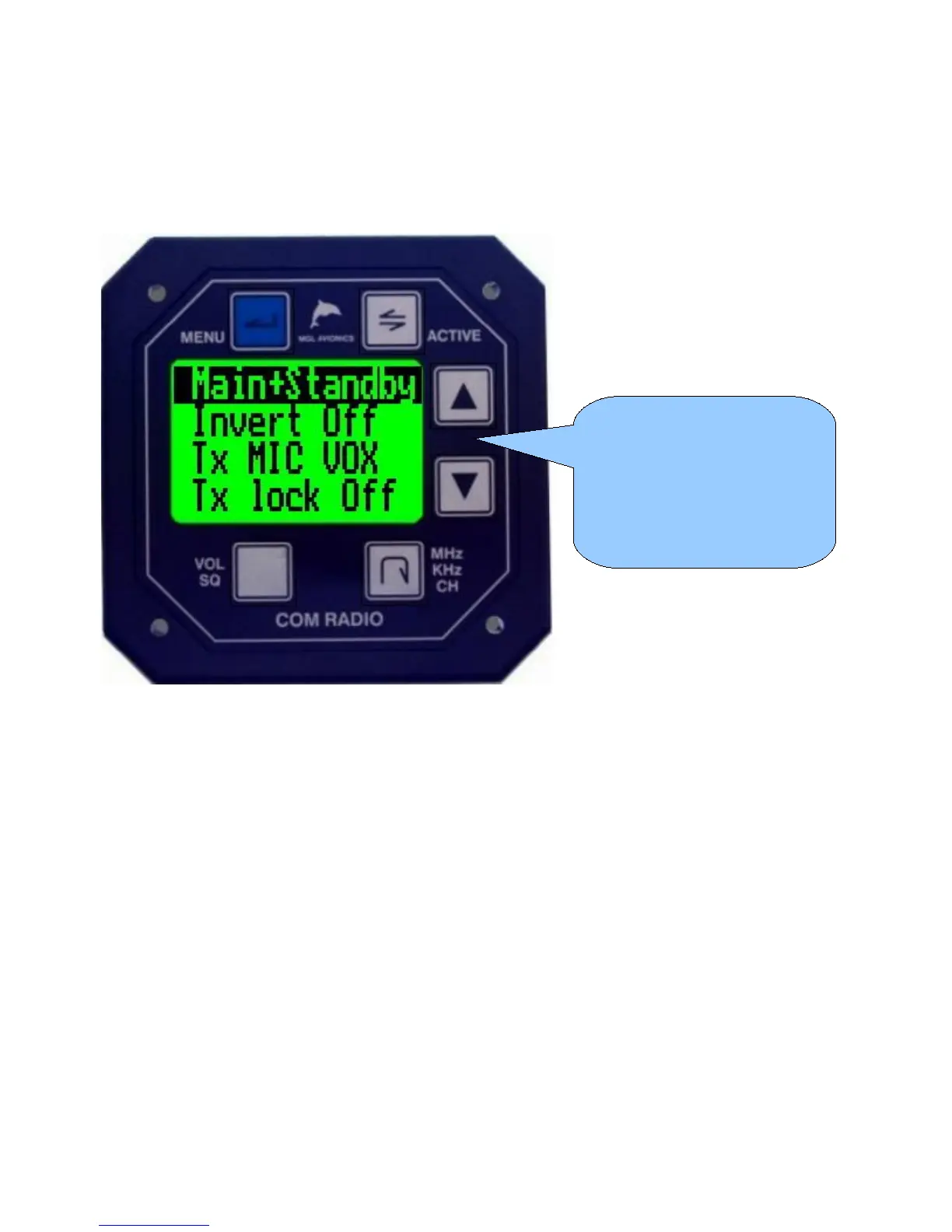
Second level menu functions
This chapter describes the various second level menu functions provided in the V10
transceiver.
The second level menu is accessible via the first level menu “Setup” selection.
Main + Standby / Main only / Standby only
Select the basic operation mode for this transceiver. If you have a single transceiver or a dual
transceiver that are completely independent, select “Main+Standby”.
If you are using a dual transceiver setup interconnected via the airtalk link, select one
transceiver to be your “main” unit and the other to be the “standby” unit.
In this configuration using two transceivers, you have full dual watch operation (as opposed to
dual scan with a single transceiver). With this system, operation is similar to a single
transceiver operating in active/standby mode except that active and standby are spread over
two transceivers. In effect you are using the standby transceivers receiver only to create a
single dual watch system.
It is also possible to install your two systems in such a way that they can each be used as full
function systems in case one of your transceivers becomes nonoperational.
Invert off / invert on
This function allows you to invert the phase of your microphones by 180 degrees. This can be
useful if your setup is suffering from RF feedback issues. In this case, during transmission,
Use the up/down buttons to
select the desired function to
change and then press the
“active” key to select your
option.



 To Next Page