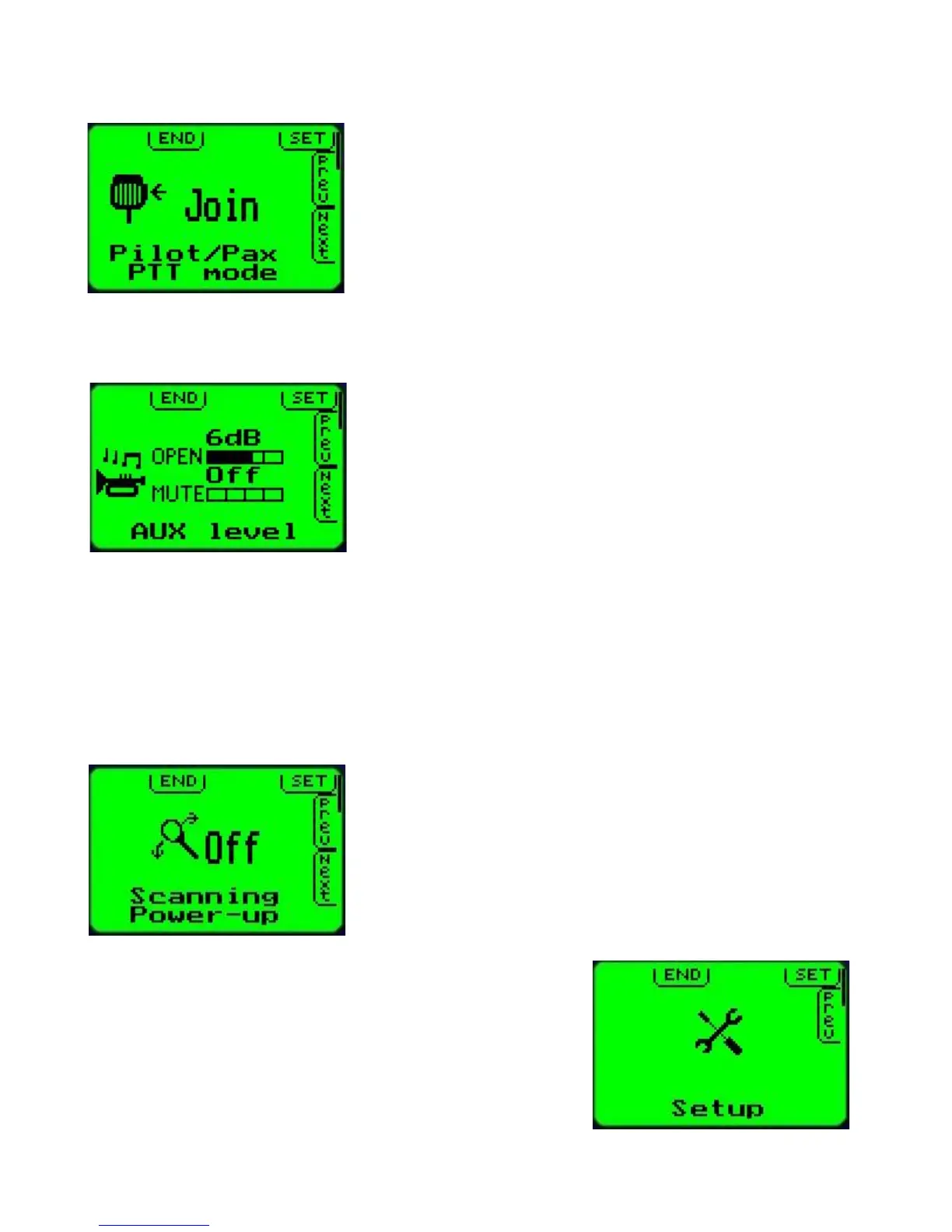
PTT Mode
The V10 transceiver has two PTT inputs, one for the pilot
circuit and one for the passenger circuit (PAX).
You can select to join or isolate the PTT and micrphones
during transmit.
If you have selected “Join”, both microphone circuits are active
during transmit regardless of which PTT is activated.
If you have selected “Isolate”, only the microphone circuit
related to its PTT will be allowed if the PTT is active – the other microphone will be muted.
Auxiliary input level
You can connect an EFIS voice alert or other sound system
(music) to the auxiliary inputs of your V10.
You can choose two levels:
Open: This level is applied if no sound is received from your
microphones.
Mute: This level is applied if sound is received on either of
your microphone circuits.
Depending on the setting, you can select the same level (external sound remains unchanged
if you speak into the microphone), differing levels (external sound fades to a lower level if you
speak into the microphone) or you can select that the external sound is completely muted if
you speak into the microphone.
The external sound level is not switched between these two levels but is faded between these
levels (slow, pleasant fading in and out of the external sound).
Scanning state on power up
Select if you would like your V10 transceiver to power up with
scanning enabled or disabled.
Scanning is only applicable if you are operating a single
system in active/standby mode and direct frequency entry is
disabled.
Scanning will continuously check active and standby
frequencies for reception.
Setup menu entry
Select the secondary setup menu for basic setups and
operational options. In this menu you will find setups that are
only rarely used, usually only when you first install your
transceiver.
Secondary setup menu options are listed in the next chapter.



 To Next Page