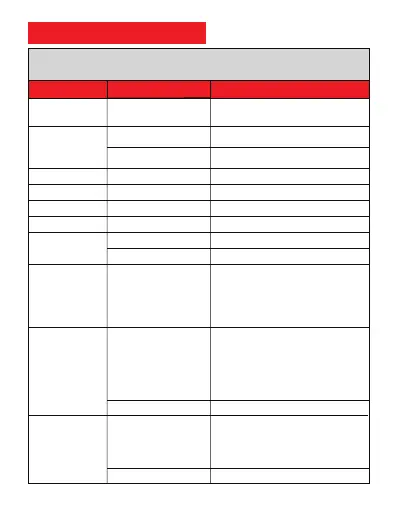
8. Full SMS Commands List
APN,CMNET# (if no name & Password)
APN,internet,internet,internet# (if with name &
Password)
SERVER,1,d.micodus.net,7700#
SERVER,0,47.254.77.28,7700#
DEVICE IMEI No. : 0123456789
NEW IMEI No. : 354188046912460
RESTORE FACTORY SETTINGS OK
RESTARTING...1 MINUTE WILL BE OK
OPEN TRAFFIC OK
CLOSE TRAFFIC OK
APN Setting
Server Setting
Check IMEI
Change IMEI
Restore factory settings
Restart device
Internet Traffic Switch
Time Zone Setting
Set the angle upload
Mileage Statistics
ANGLEREP,X,A,B#
ANGLEREP,OFF#
MILEAGE,A,B#
MIELEAGE#
CANCEL UPLOAD ANGLE OK
Query current mileage
GMT,A,B,C#
Example:GMT,E,8# (Means East +8 zone, no half
time zone)
GMT,W,9,30# (Means West -9.5 zone, has half
time zone)
A: E / W, E: East time zone, W: West time zone
B: 0 ~ 12; whole time zone
C: 0/15/30/45, half time zone
TRAFFIC,ON#
TRAFFIC,OFF#
RESTART#
FACTORY#
APN,Network name[,name,
password]#
If set with Domain Name:
SERVER,1,Domain,Port#
If set with IP: SERVER,0,
IP,Port#
IMEI#
IMEICHG,354188046912460#
Functions Command Format Explanation
Setting Commands
Example: ANGLEREP,ON,30,3# ( Means the
tracker will send a data supplement when the
angle change exceeds 30 degrees and lasts for
3 seconds)
X=ON/OFF, default:ON;
A=5~180 degrees, diversion angle degree,
default: 30 degrees;
B=2~5 seconds, detecting time, default: 3
seconds,
Example: MILEAGE,ON,5000# (Means enable the
mileage statistics feature, the mileage initial value is
5000km)
A=ON/OFF, On/Off mileage calculation, default: Off
B=0~999999,Mileage initial value , unit:km ;
default: 0, mileage return to zero



 To Next Page