MICOM-3F/3T/3R HF-SSB Owner’s Guide
106
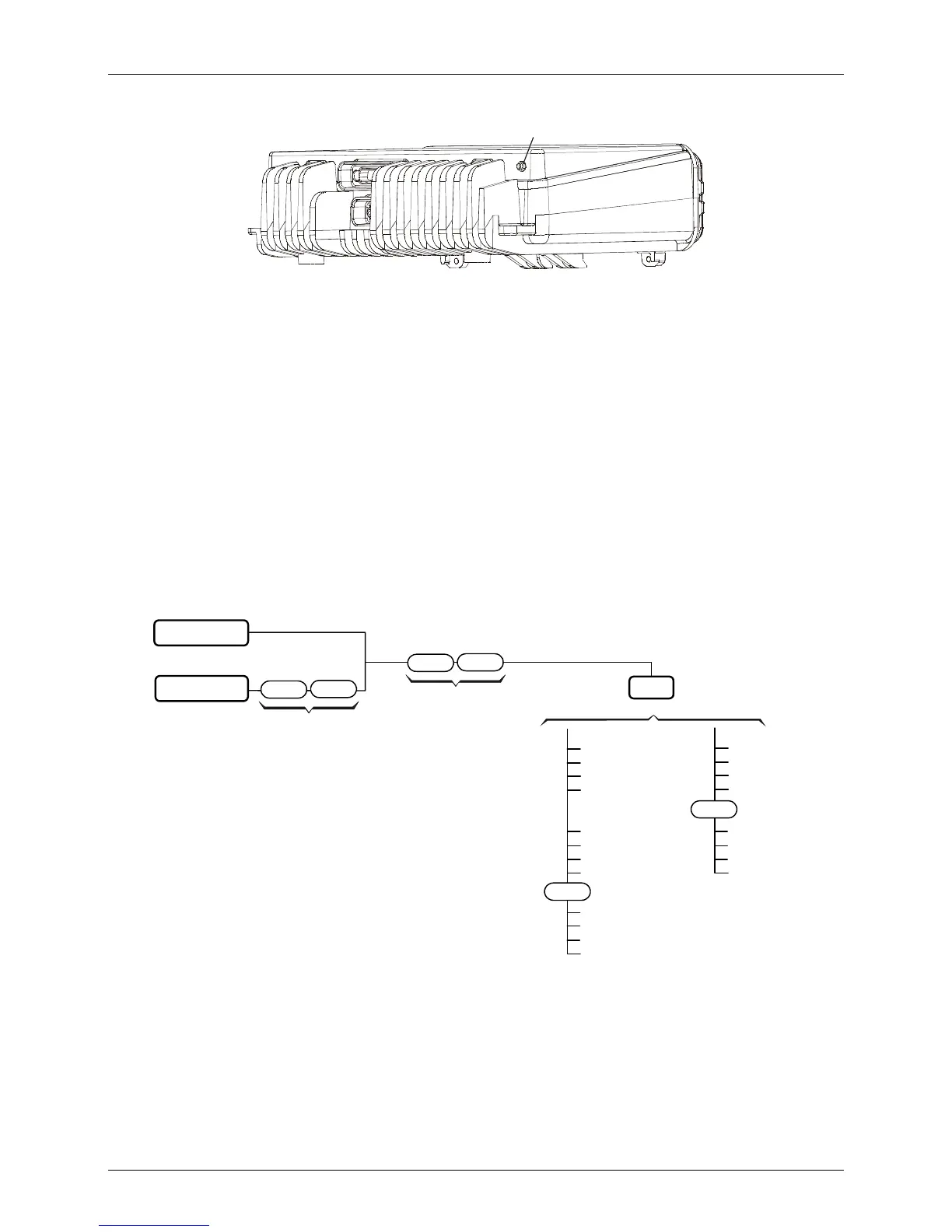
GPS Antenna
Connector
Figure 10. Location of GPS Antenna Connector on the MICOM-3
➤ To install the GPS antenna:
1. Place the antenna in the selected place, and make sure it attaches well to the surface.
2. Route the cable to the rear side of the MICOM-3 transceiver, and if required, secure the
cable at several places.
3. Connect the coaxial connector of the antenna cable to the MICOM-3 GPS connector.
Operating the GPS Receiver
GPS Menu
The GPS menu is displayed by selecting the GPS item on the FREQ or CH menu. The GPS menu
structure is shown in Figure 11.
CH Mode
FREQ Mode
Existing Menu
MORE
Existing Menu
MORE
MORE
MORE
GPS
LLA Format
ECEF Format
FULL
VERT
DHOR
HOR
TIME
DEV
FRMT
X
Y
Z
DX
DY
DZ
TIME
DEV
FRMT
MORE
MORE
Figure 11. GPS Menu
The menu structure depends on the display format, ECEF or LLA, selected by the FRMT item.



 To Next Page