Using Automatic Link Establishment (ALE)
55
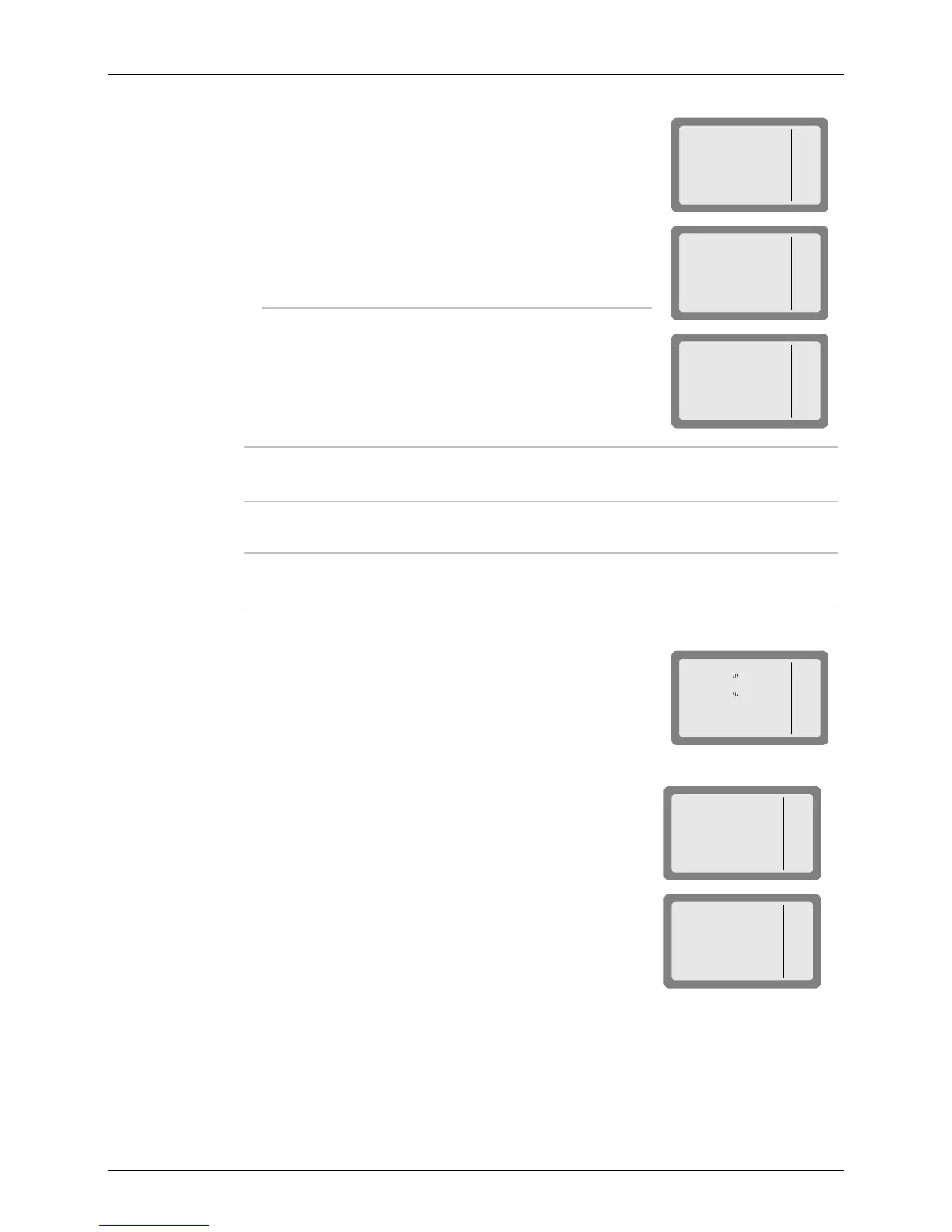
4. The radio now starts the link set up process. During this
process, you will see TO alternating with the number of the
channel on which the set up request is being sent (the channel
may change, if the called station does not answer on the first
channel(s)).
Note
While the radio is initializing the link, you can press
STOP (F1) or ESC to abort the entire process.
MICOM-3
STOP
TO
1234
MICOM-3
STOP
CH 2
1234
5. After the link is established, you will see a LINK message. Now
you may press the PTT and start talking.
MICOM-3
PAGE
MON
LINK
1234
I
Note
If the link with the selected station cannot be set up, you will see for a few
seconds a flashing NO LINK message.
6. To disconnect the link, press the ESC key (see page 48).
Note
If you want to call again the same station, double-press the PTT to use the
quick-call feature (see page 57).
➤ To transmit an individual call with MultiNet ON:
1. Press CALL (F1).
The radio displays the current net number, flashing. If you wish
to change the currently used net, press the UP/DOWN keys or
enter the net number on the keypad.
MICOM-3
ALE
NET# 7
2. Press ENTER to confirm the net number.
3. The radio displays the last called station.
MICOM-3
SEND
PAGE
CHAN
CALL
1001
I
Press the UP/DOWN keys to scroll between stations, or use
the keypad to enter a station name and then press SAVE (F1)
or ENTER when the required station name appears.
MICOM-3
SEND
PAGE
CHAN
CALL
1009
I
4. Press SEND (F1) or ENTER to initiate the call.
5. The radio now starts the link set up process. During this process, you will see TO
alternating with the number of the channel the set up request is being sent (the channel
may change, if the called station does not answer on the first channel(s)).



 To Next Page