Micro-Air, Inc. Page 23 EasyTouch Operations Manual
Rev 3.0 4/3/17
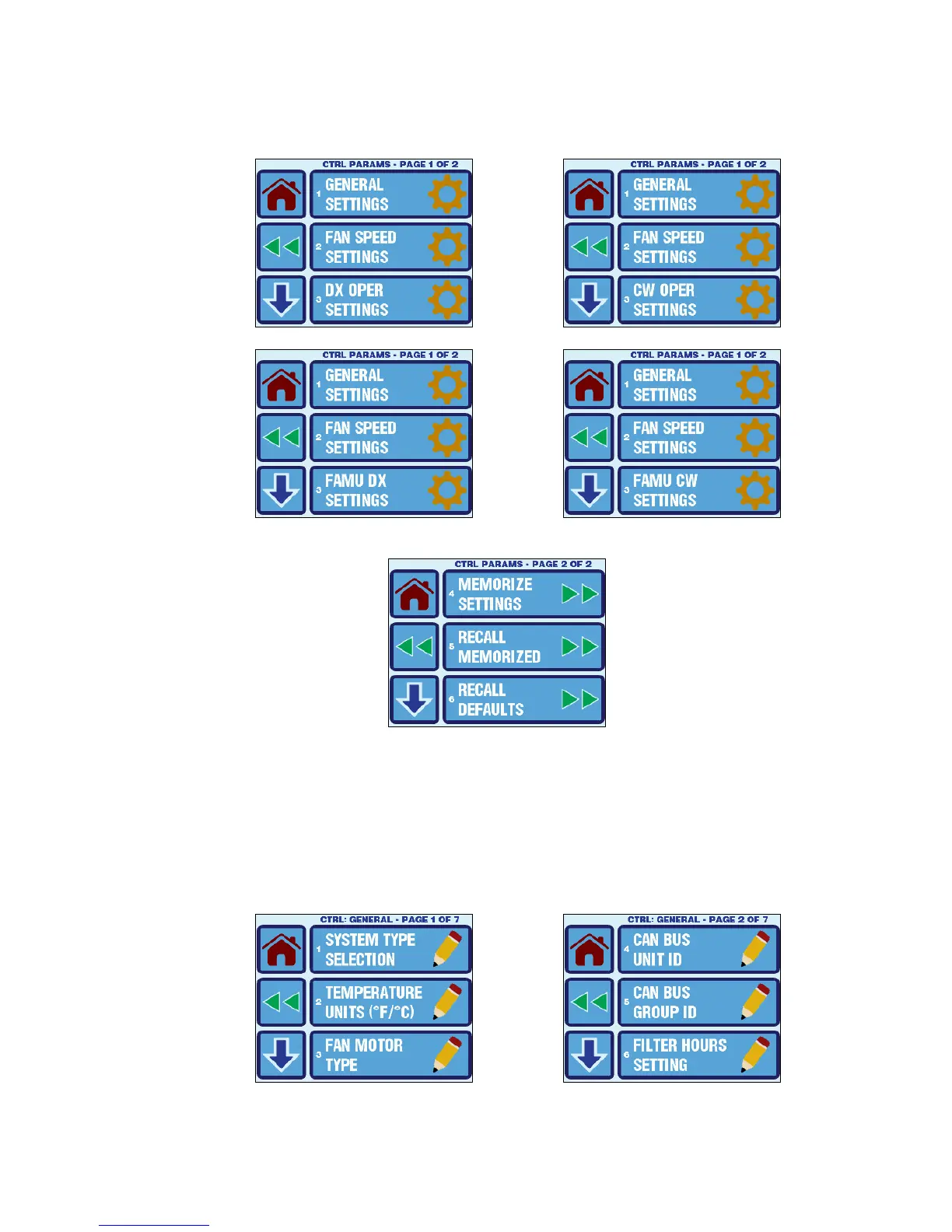
The Control Parameters Menu consists of 6 items on 2 pages as shown in Figure 17. Page 1 of the menu
will differ depending on whether the system is configured for DX, CW, FAMU DX, or FAMU CW operation.
Please see section 12.1.1 for more information on the System Type Selection.
Figure 16 – Control Parameters Menu Screen – Page 1 of 2 (shown for various System Types)
Figure 17 – Control Parameters Menu Screen – Page 2 of 2
12.1 General Settings
To access the General Settings, go to the Main Menu, select Control Parameters, and then select
General Settings. The parameters available in the General Settings Menu depend on the setting of
the first parameter in the listing, System Type Selection. See section 12.1.1 for more information on
this parameter. For standard DX/CW Operation, the General Settings Menu consists of 19 items on 7
pages as shown in Figure 18, and for FAMU Operation it consists of 11 items on 3 pages as shown in
Figure 19.



 To Next Page