Micro-Air, Inc. Page 5 EasyTouch Operations Manual
Rev 3.0 4/3/17
3.3 Control Boards and Options Supported by EasyTouch
The EasyTouch has evolved and supports all of the features available in the original FX1 and in the
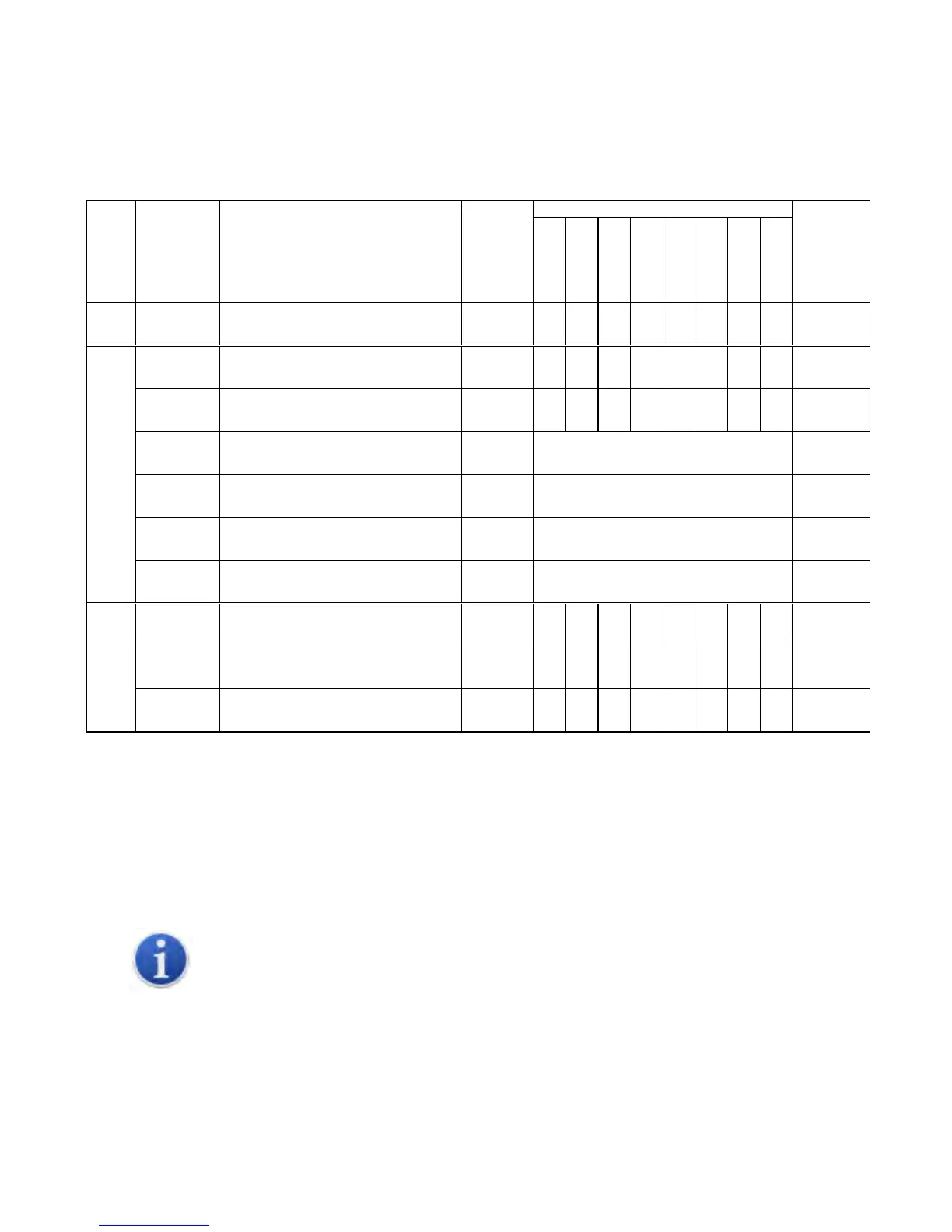
newest FX2 Control Boards. Please refer to the following chart below for the minimum required
firmware versions for the EasyTouch to support the control features required.
Table 1 – Control Boards & Options Supported by EasyTouch
1
One DC Blower output is integrated into base control board, and can support up to 2 DC blowers in
parallel
2
Four separate DC blower outputs are available on the daughterboard with individual fan speed
programming. The one DC blower output integrated into the base control board can still be used
and its speed settings follow that of Fan A.
This manual provides all necessary information for proper installation and operation of the
EasyTouch Display. Poor installation and misunderstood operating parameters will result in
unsatisfactory performance and possible failure.
FX1 Control Board, standard All
Any
FX2 Control Board, standard G1 and older
Any
FX2 Control Board, with 731 Temp/Humidity
Sensor Daughterboard Option (depopulated)
G1
N05 or newer
ASY-360-XG2
FX2 Control Board, with 361 CAN Bus
Daughterboard Option
FX2 Control Board, with 361 Expanded
DC Blower Daughterboard Option
FX2 Control Board, with 367 EasyStart™
Daughterboard Option
FX2 Control Board, with 731 FAMU
Daughterboard Option
FX2 Control Board, standard w/ Integrated
CAN Bus Support
N07 or newer
N10 for Wi-Fi
FX2 Control Board, with 361 Expanded
DC Blower Daughterboard Option
N07 or newer
N10 for Wi-Fi
FX2 Control Board, with 521 EasyStart™
Daughterboard Option
N07 or newer
N10 for Wi-Fi
Required
EasyTouch
Firmware
Version
Control Board
Micro-Air P/N
Control Board Description
Control
Board
Hardware
Versions
Supported Control Features



 To Next Page