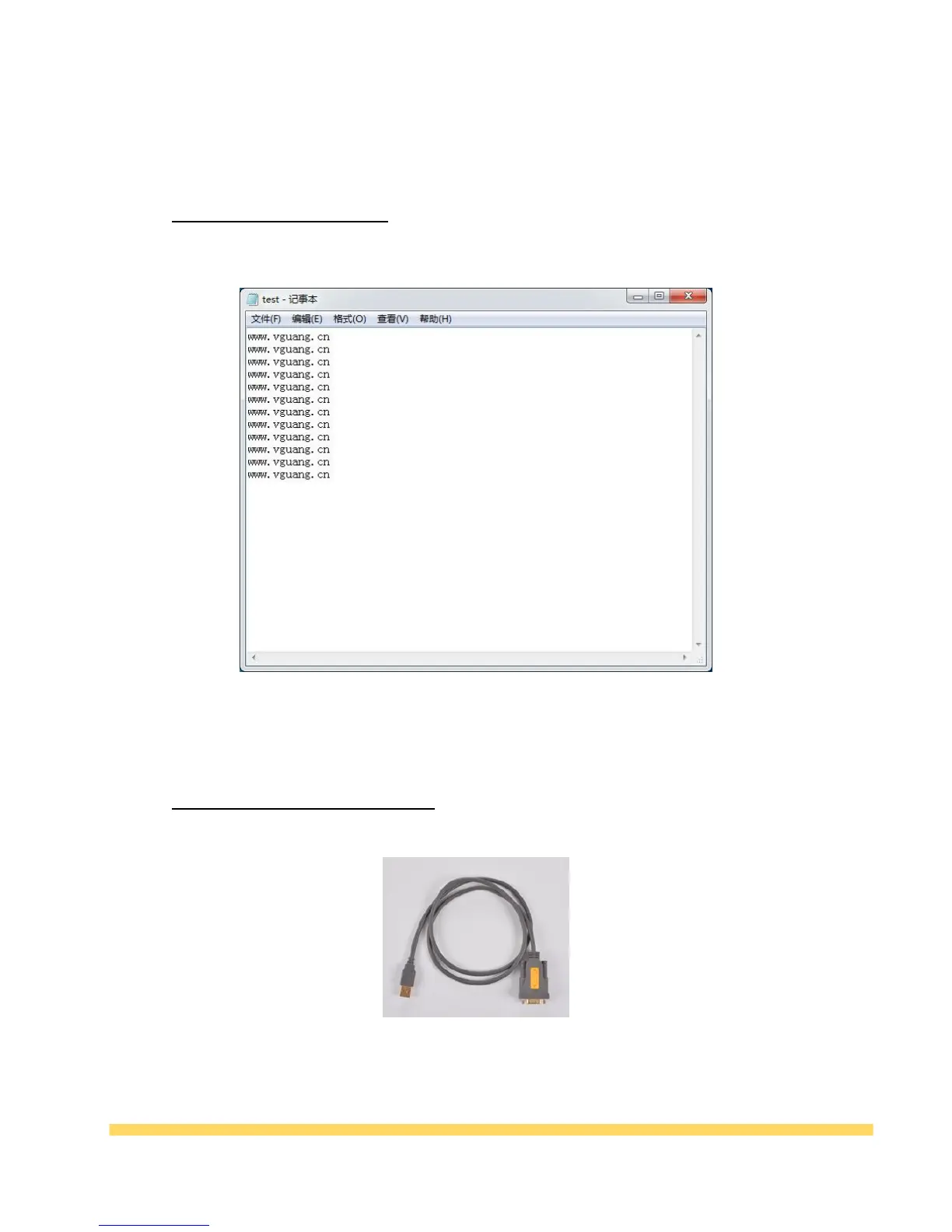
Connect the device directly to the computer U through the data cable. The device defaults to the
analog keyboard output. You can open the text or cursor position to scan code output, as shown
below:
Table 4-1
For computers that do not have their own serial port, needs to connect the device to your computer
through USB-serial port connection.
Table 4-2 USB-serial port connection. (not belong to the standard
)
After completing the above settings,open serial port to cursor output program (Internet downloads,
does not belong to the standard). As shown below:



 To Next Page