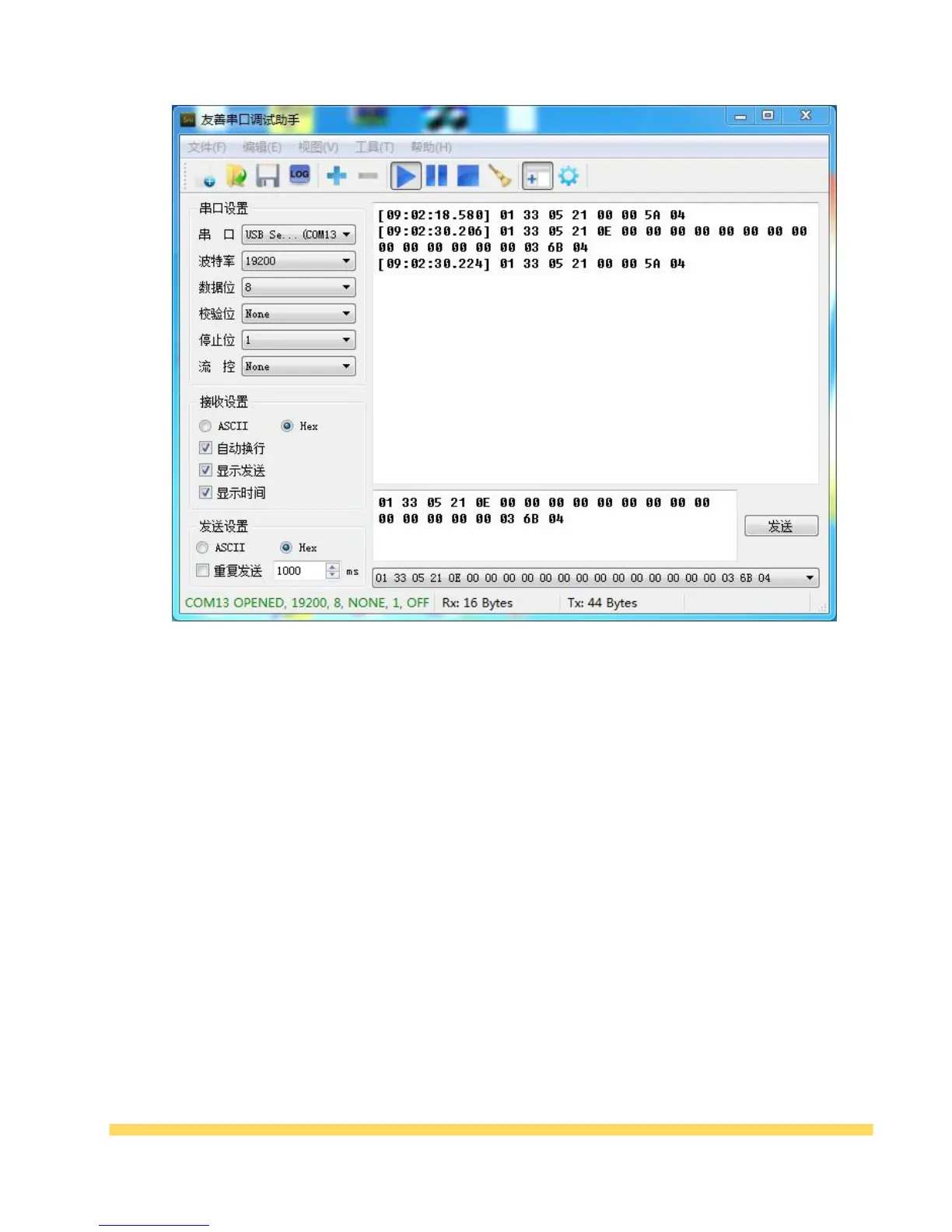
During use, the serial port cursor output tool must be kept in the running state; otherwise, it cannot
be output normally.
Chapter V Common Faults and Troubleshooting Methods
1, Using serial devices, receive data all 0 / garbled?
The serial port of the client receives data all 0 / full FF / garbled. There are usually several
possibilities. It can remind the customer:
a. Is the baud rate /stop bit /check bit set correctly?
b. Is the serial TX / RX pin reversed?
c. Are both sides common ground? Is GND connected together?
d. When the multimeter measures, is the TX / RX pin in the cable shorted or broken?
e. Is the cable too long?
2, USB interface can output Chinese, traditional and other special characters? What are the
limitations of various communication interface outputs?



 To Next Page