Instructions for manually running Windows Security
(3/4)
1 Please read this first
11
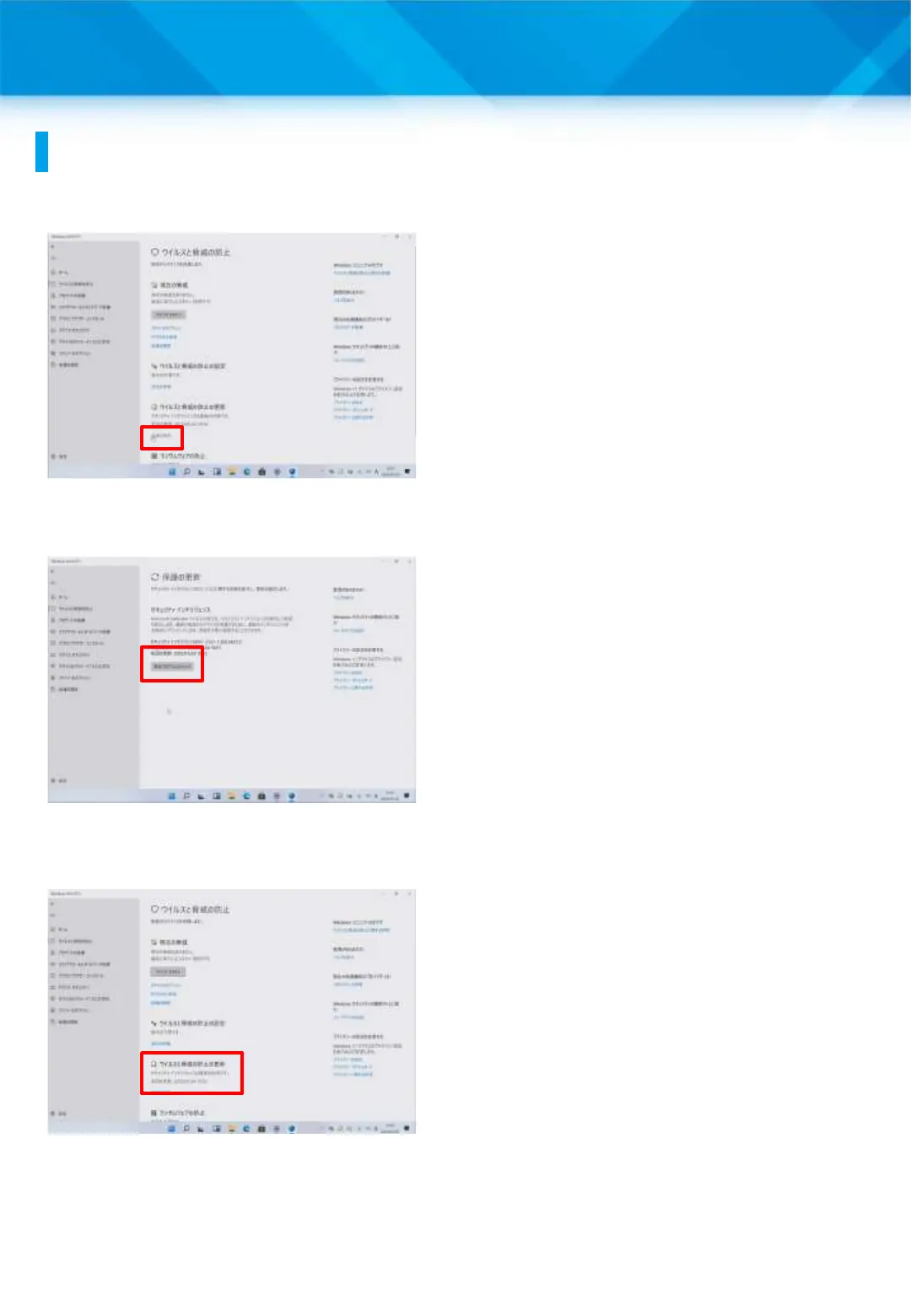
12 To update your virus and
threat protection, tap “Update
Protection.”
* Normally, it will be
automatically updated to the
latest version.
13 Tap “Check for updates.”
14 The message “Security
Intelligence is up to date” will
appear.











 To Next Page