1 Please read this first
This section explains the procedure for confirming your password.
Password confirmation procedure
16
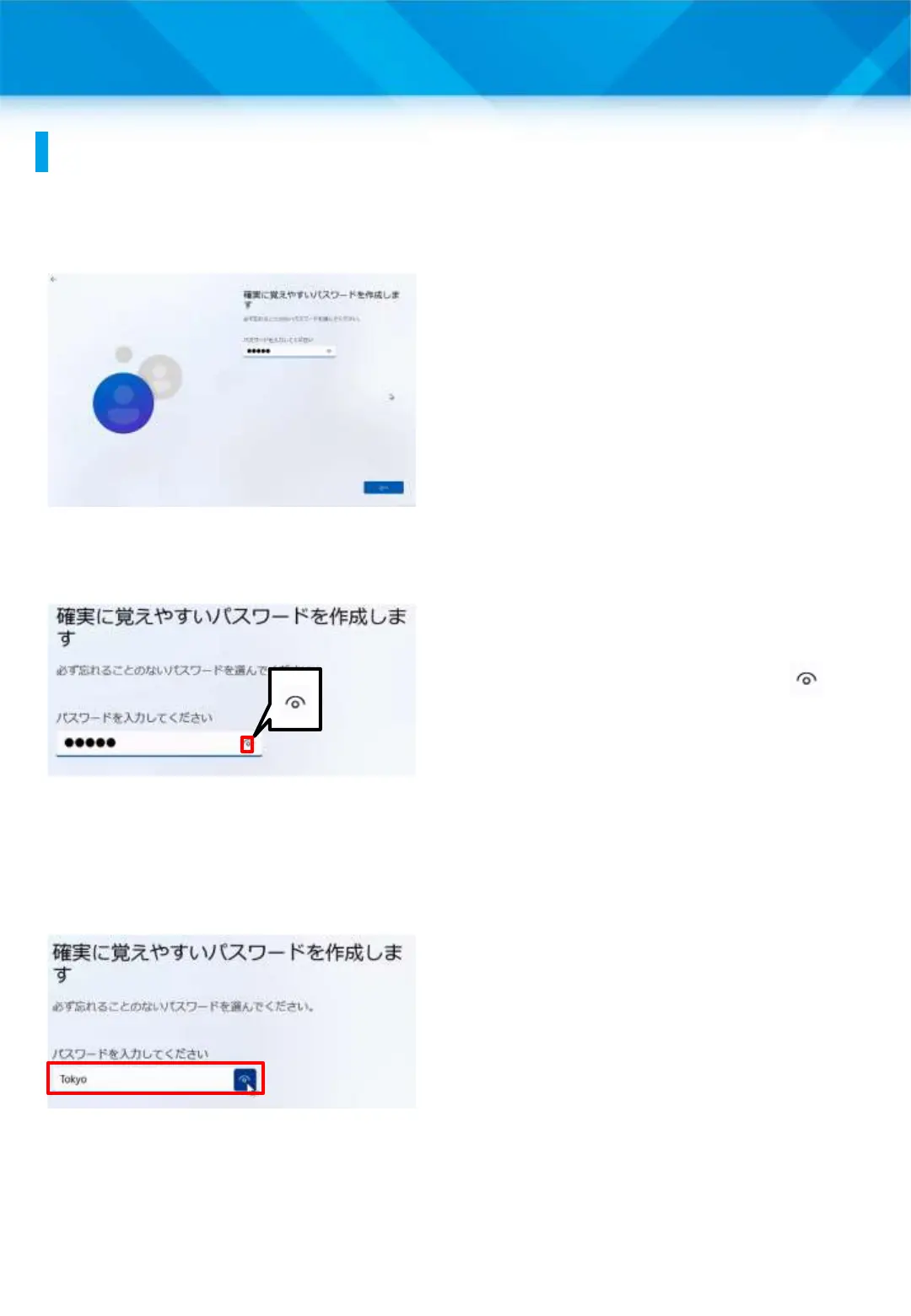
1 When setting the
password, “●●●●●” will
be displayed on the screen.
* The number of dots shown
depends on the number of
characters in the password.
2 To confirm the password
you have entered, tap “ .”
3 The password will be
displayed.











 To Next Page