3 Tasks after initial setup
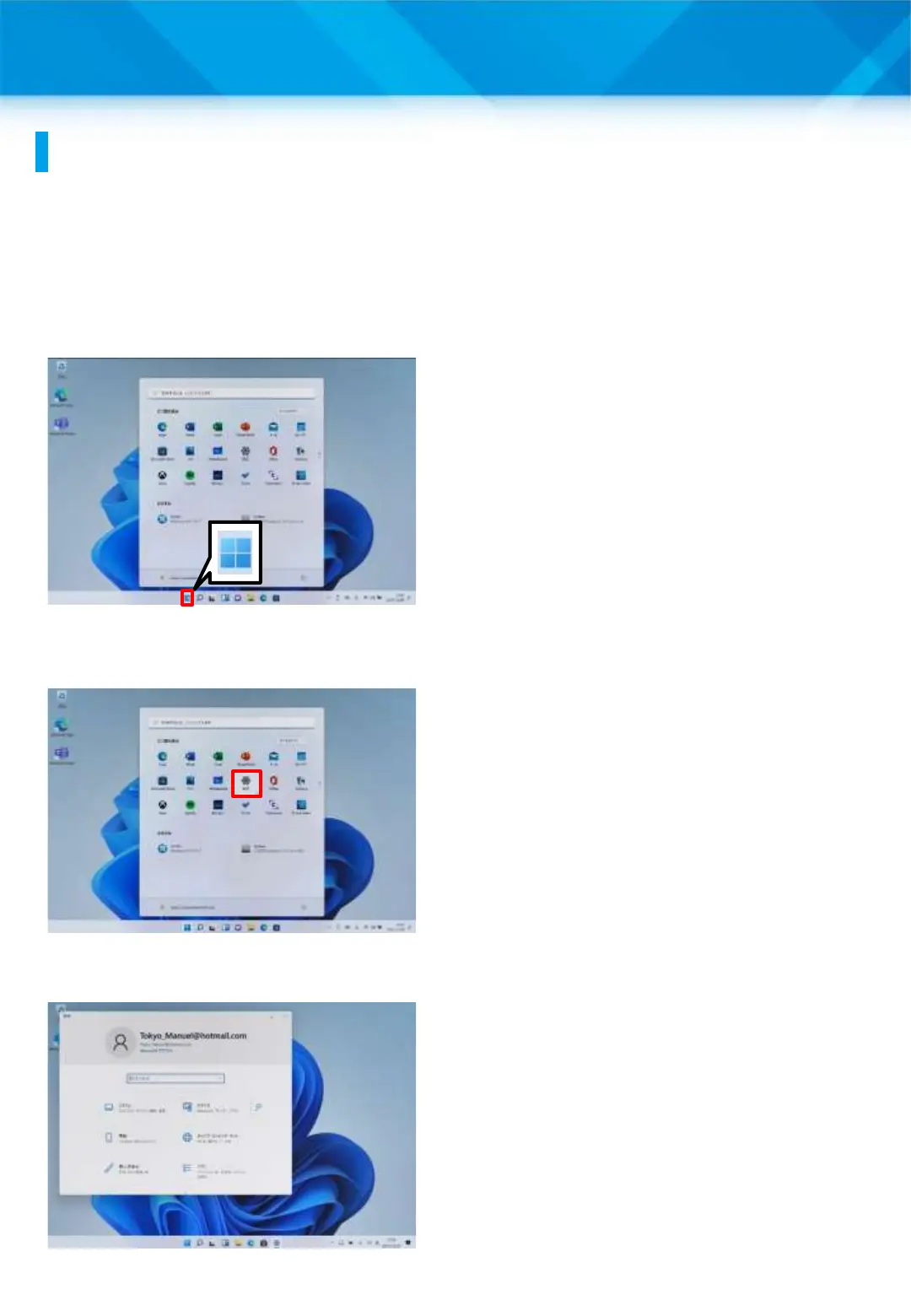
Procedure for performing Windows Update manually
(1/2)
This section explains the procedure for running Windows Update
manually. Windows Update is usually done automatically. A reboot
will occur at the end of the process, so please save any files you are
editing before running it.
1 Launch Surface.
2 Sign in with your Office 365
account.
3 Tap the “Start” icon.
4 Tap “Settings.”
5 The “Settings” window will
open.
48











 To Next Page