3 Tasks after initial setup
Procedure for performing Windows Update manually
(2/2)
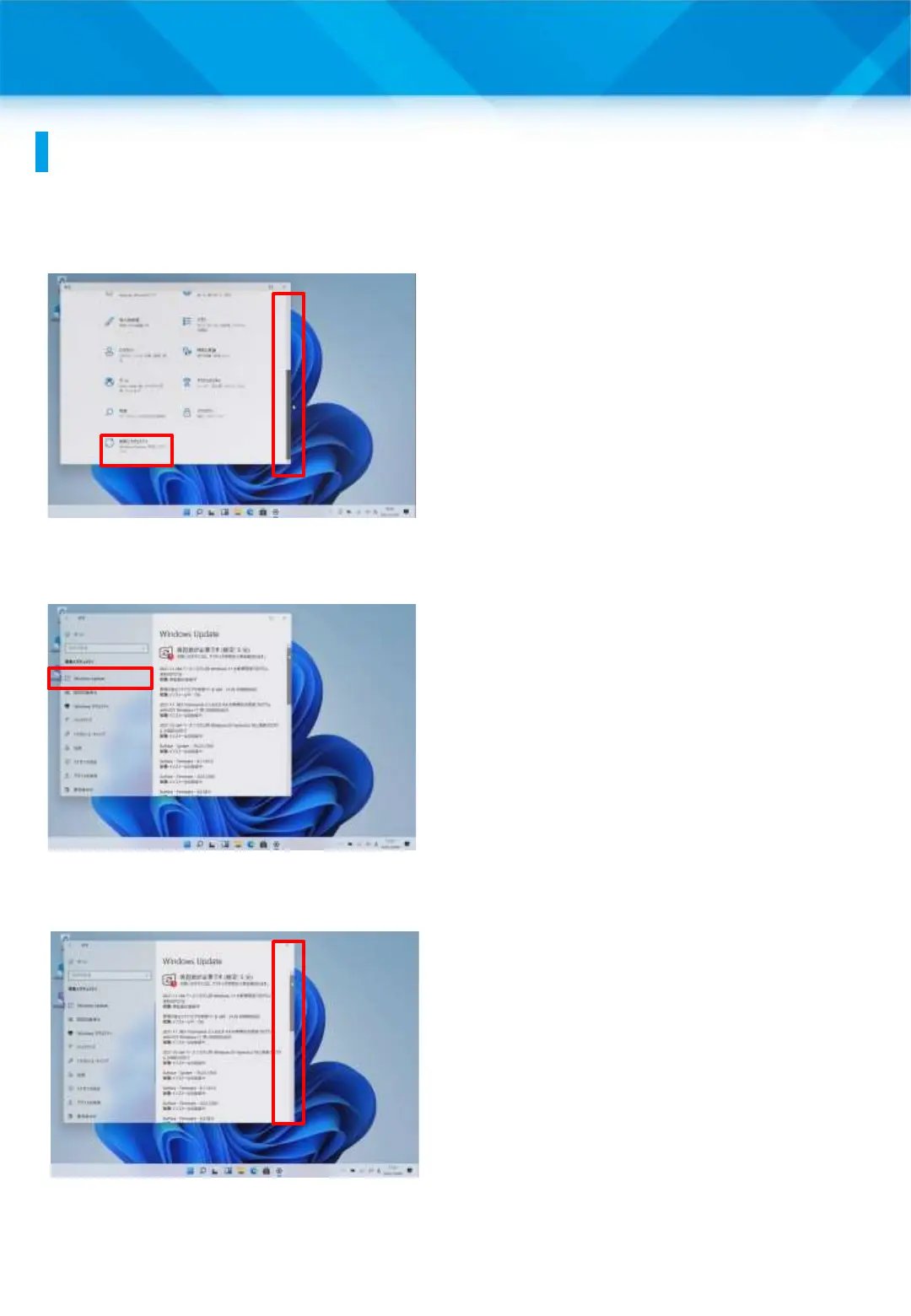
6 Lower the vertical scroll bar.
7 Tap “Update & Security.”
8 Tap “Windows Update.”
9 If there is an update to
download, it will appear as shown
in the figure on the left.
* If you see “You are up to date,”
you do not need to do anything
else.
10 Lower the vertical scroll bar.
49











 To Next Page