2 Initial Setup
Procedure for setting up an Office 365 account (1/3)
* Your own Office 365 account will be distributed at
each school after you enroll.
This section explains the procedure for setting up an Office 365 account.
This should be done after signing in as an administrator user.
You will need your Office 365 account and password to do this.
If you do not know your Office 365 account, please contact your school.
The Office 365 account and password are managed by each school, so the
inquiry desk cannot assist with these.
You must be connected to the internet for this procedure.
If you are not already connected to the internet, please connect to the
internet first based on the procedure on page 26.
1 Sign in as the
administrator user you
created on page 22.
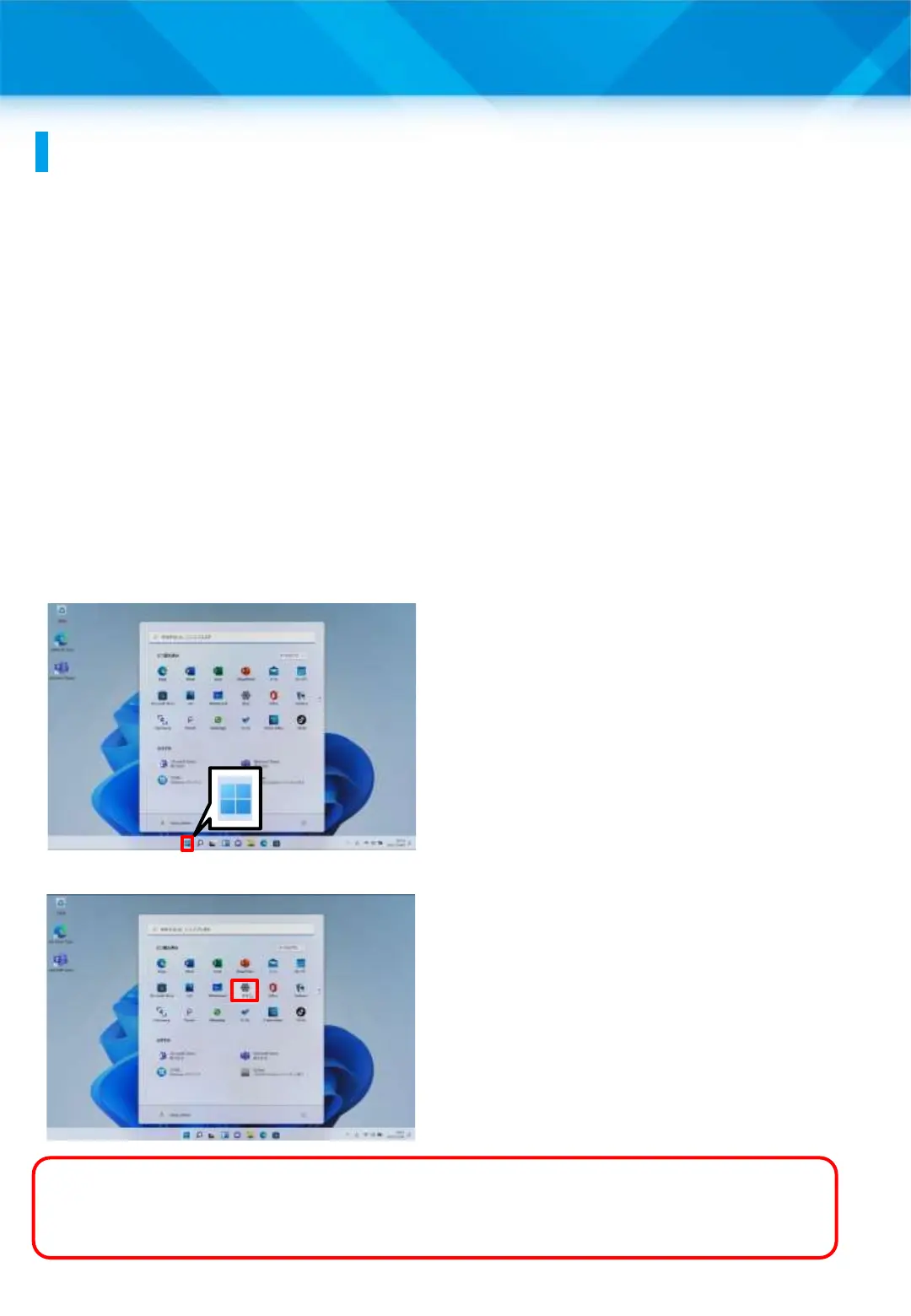
2 Tap the “Start” icon.
3 Tap “Settings.”
What is an Office 365 account?
An account for using various Microsoft services, such as Office
and OneDrive.
29











 To Next Page