1 Please read this first
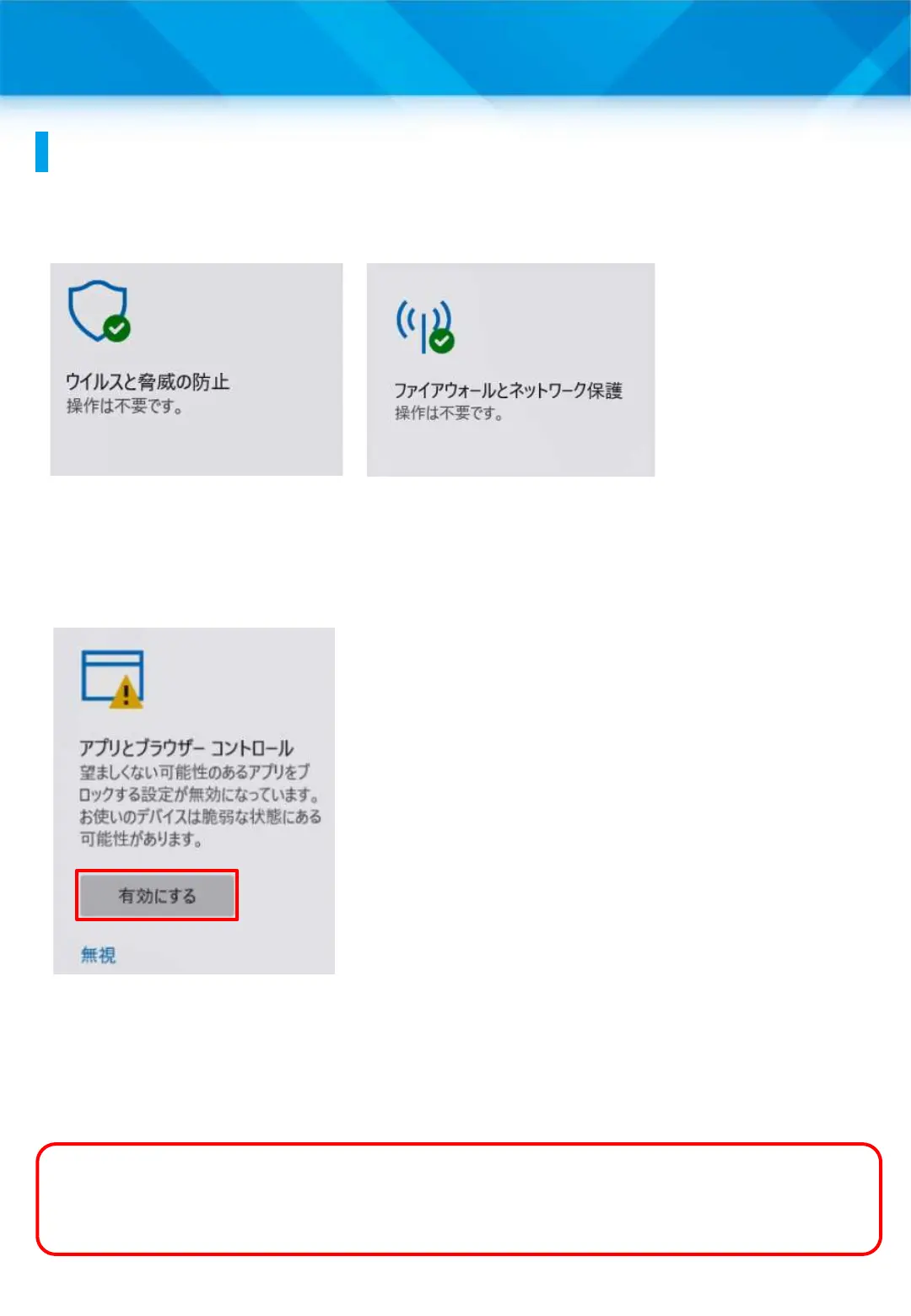
1 In Windows 11, the virus and threat prevention, firewall and
network protection features are enabled from the time of purchase.
2 The setting to block potentially undesirable apps is disabled by
default. For safer use, after completing the initial settings, please
refer to “Configuring App and Browser Controls” on page 45 to
configure the settings.
3 The Windows Update feature keeps Windows 11 up to date. To
prevent rebooting due to the Windows Update during class, after
completing the initial settings, please refer to “Setting the Windows
Update Execution Time” on page 51.
About Windows security settings
8
This is a feature of Windows 11 that
blocks apps that behave in an
undesirable way (such as advertising
apps or bundled apps that are not
directly related to the installed product).
What is a bundled app?
A bundled app is an application that is installed together with the
desired application.











 To Next Page