2 Initial Setup
Setup procedure when starting up the Surface for the
first time (6/6)
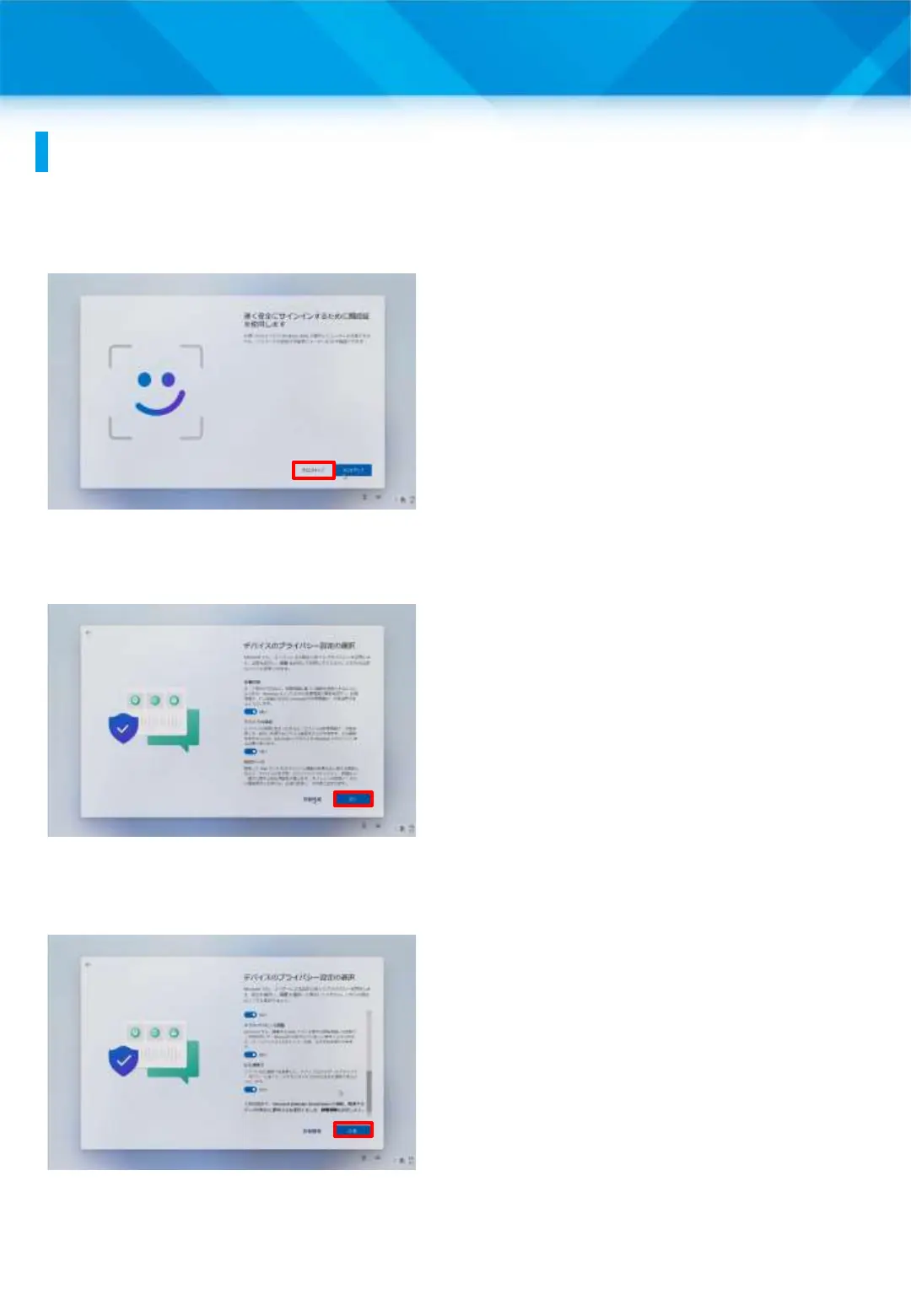
35 The “Use face recognition
to sign in quickly and
securely” screen will appear.
36 Tap “Skip for now.”
37 The “Select Device Privacy
Settings” screen will appear.
38 Make sure that Location
and Device Search are set to
“Yes,” and then tap “Next.”
39 Tap “Agree.”
40 The desktop screen will
appear.
41 That’s it.
25











 To Next Page