3 Tasks after initial setup
Connecting to a different Wi-Fi network (if the
following happens)
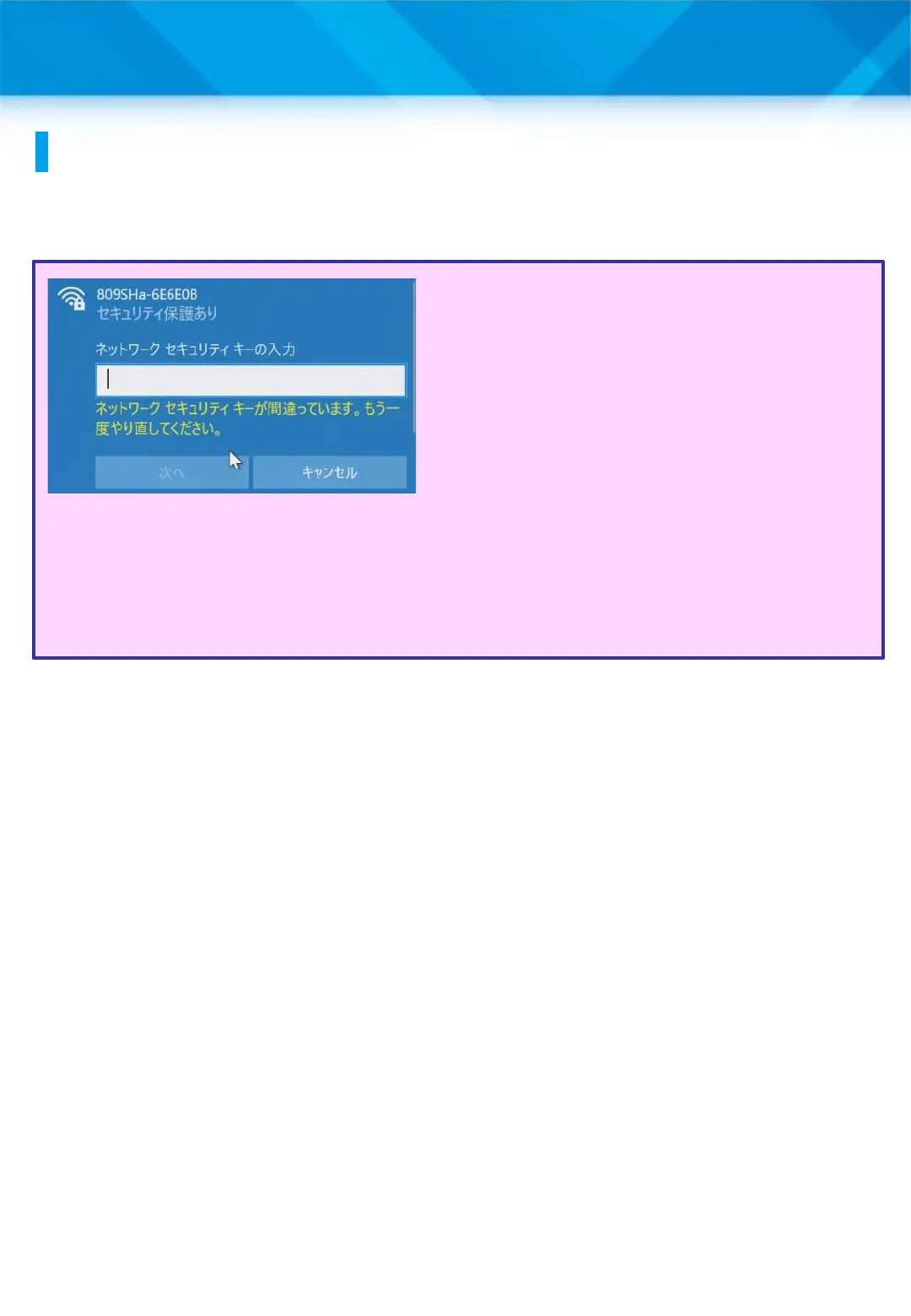
1 Enter the security key in
the “Enter Network Security
Key” field (Step 7 on page
40). If the screen on the left
appears after you tap “Next”
(Step 8), the security key is
incorrect.
2 Check your security.
3 Enter the correct security
key.
4 Tap “Next.”
41











 To Next Page