3 Tasks after initial setup
Procedure for setting the Windows Update execution
time (2/4)
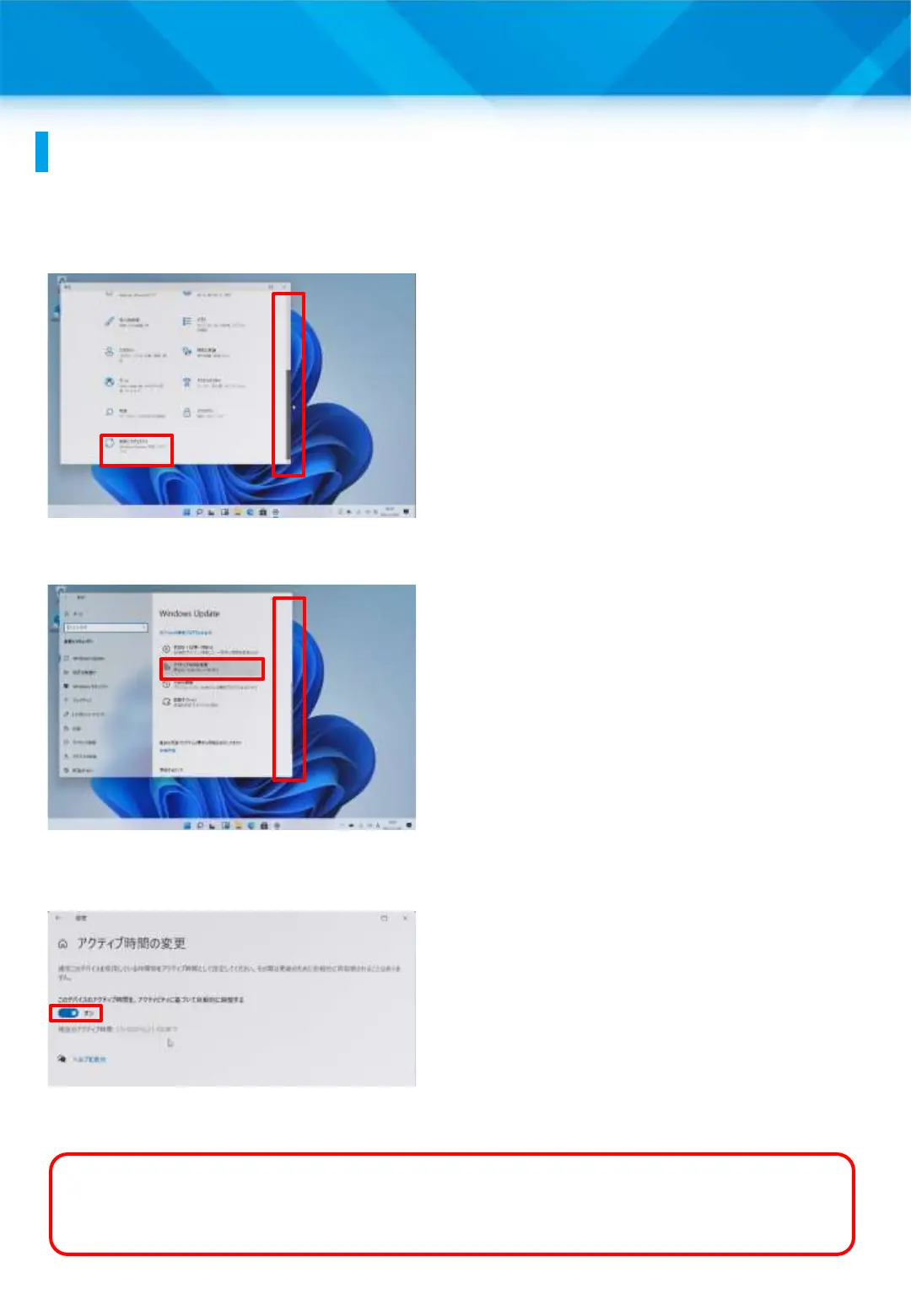
6 Lower the vertical scroll
bar.
7 Tap “Update & Security.”
8 The “Windows Update”
screen will appear.
9 Lower the vertical scroll
bar.
10 Tap “Change Active
Time.”
11 The “Change Active
Time” window will appear.
12 Set the switch indicated
by the red frame to “OFF.”
What is active time?
Active time refers to the amount of time you normally spend using your
PC. The Surface will not automatically reboot during active time.
This screen has been created as an example. The time may not be as shown
here.
52











 To Next Page