3 Tasks after initial setup
Procedure for setting the Windows Update execution
time (4/4)
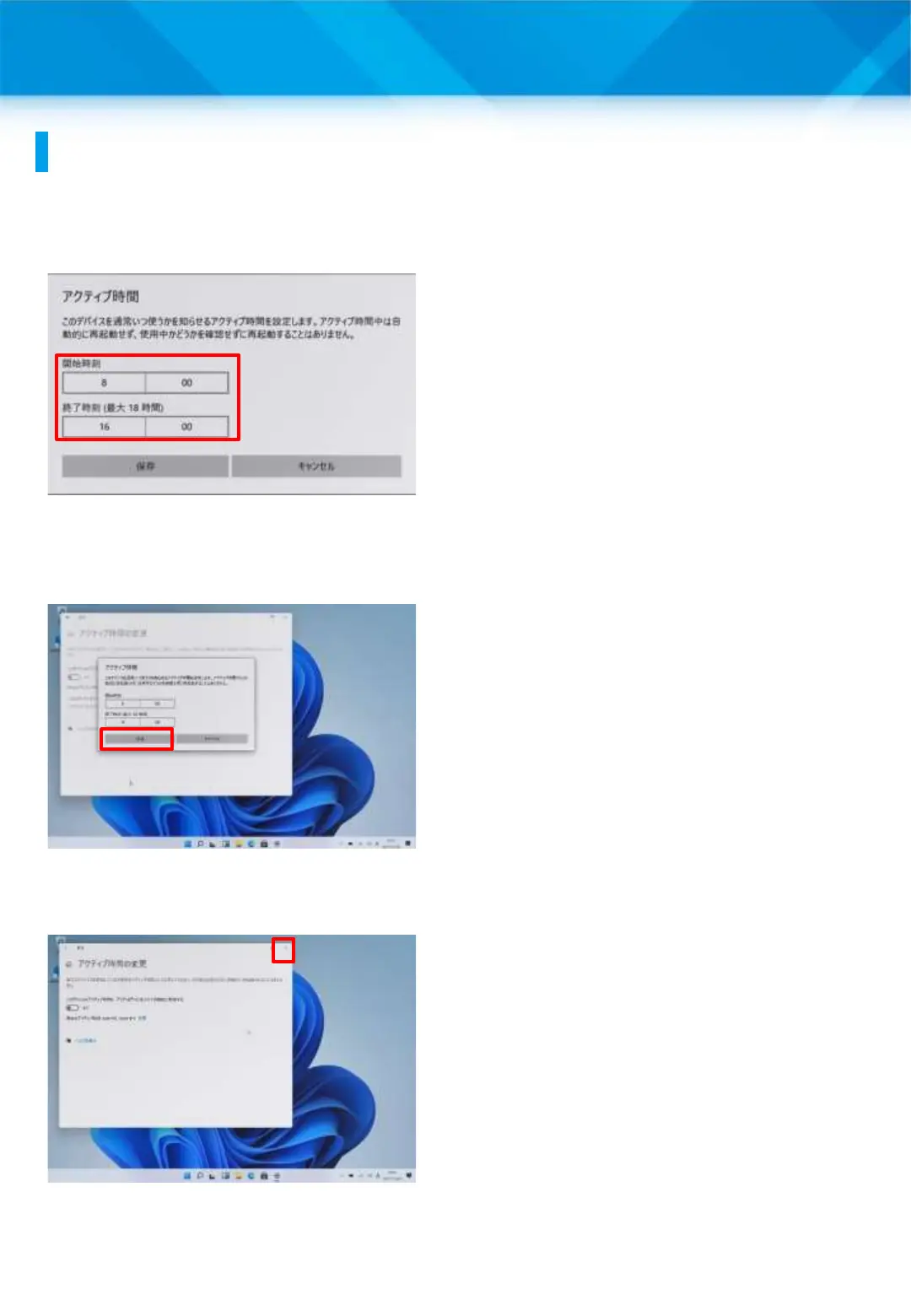
17 Set your class time as active
time.
18 In this section, as an
example, “8:00 to 16:00” is set
as the active time. In practice,
please set it according to each
school’s class time, etc.
19 Tap “Save.”
20 Tap “X” to close the screen.
21 That’s it.
54











 To Next Page