4 If you think your device is broken
Surface initialization procedure (5/5)
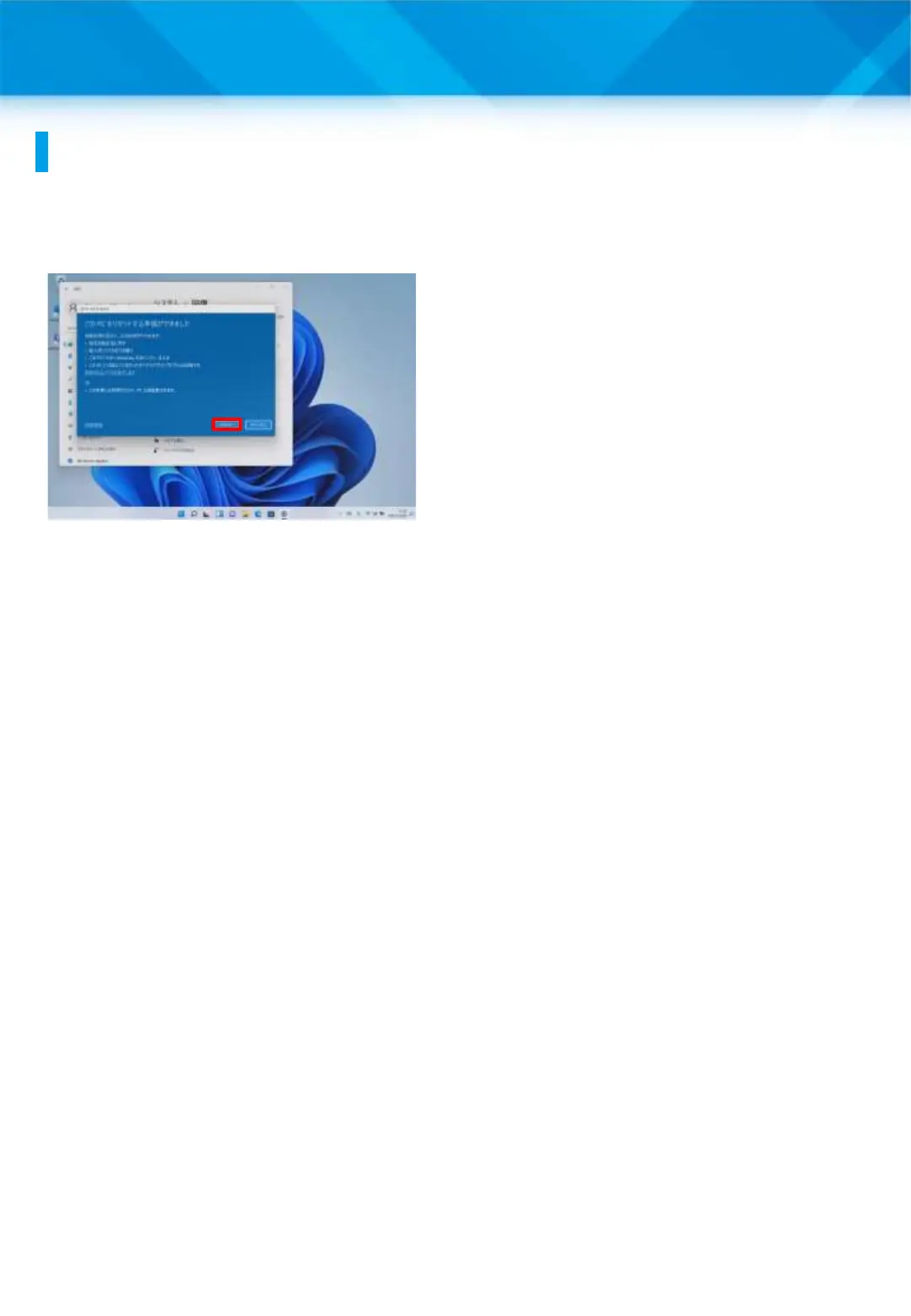
17 The “This PC is ready to
be reset” screen will appear.
18 Tap “Reset.”
19 After resetting, re-setup
the Surface by referring to
the setup procedure for when
you start the Surface for the
first time.
20 That’s it.
If the problem persists after resetting, please contact the Repair Desk
and Support Center for repair.
61











 To Next Page