ScanMaker 9800XL Plus User Guide 5
How to Use the TMA 1600-III
The Transparent Media Adapter (TMA 1600-III) is specially designed to scan slides,
transparencies, and negative film with the ScanMaker 9800XL Plus scanner. The TMA
1600-III is available either as standard equipment or an optional accessory
(depending on the scanner configuration that you purchased).
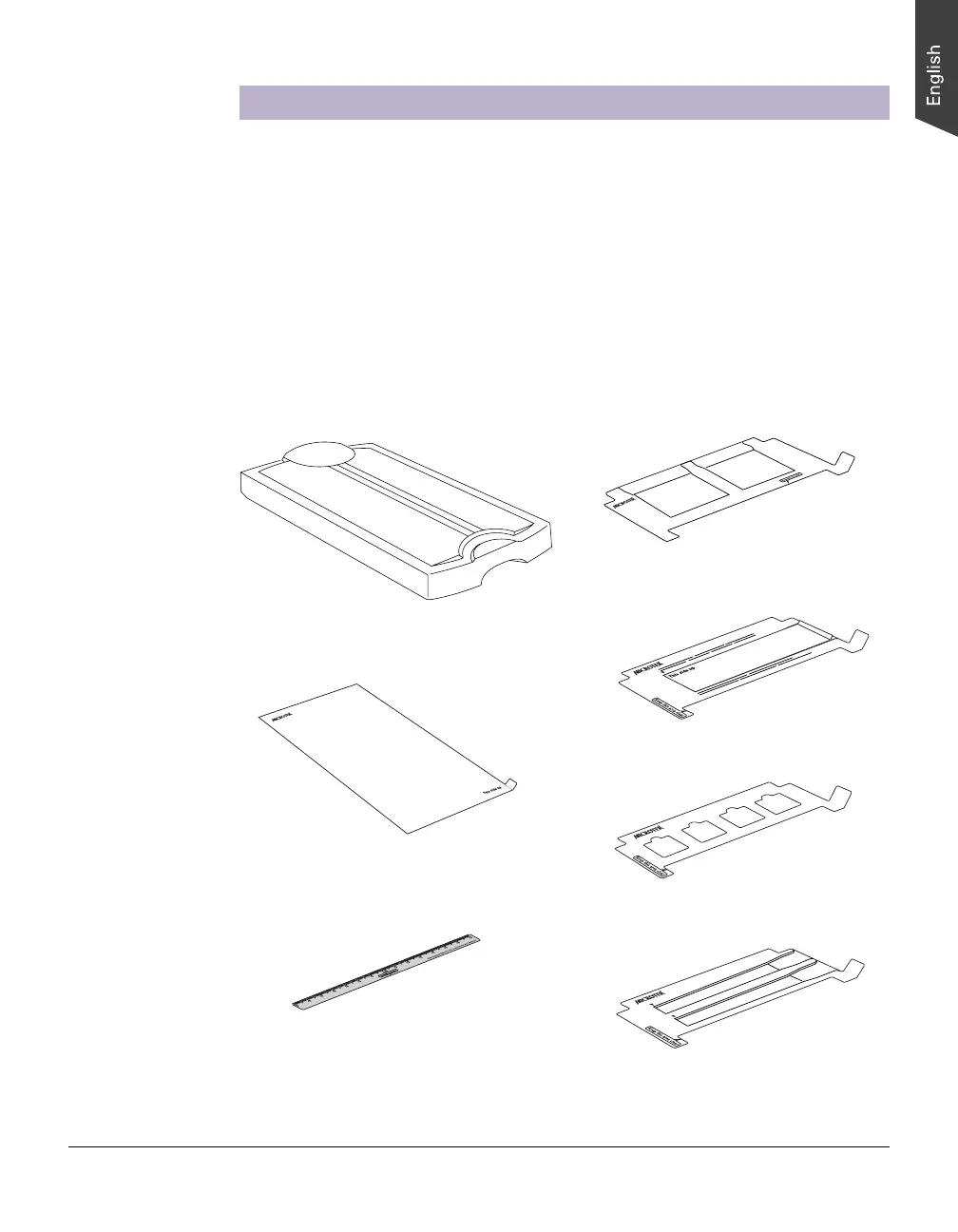
TMA 1600-III
Black Plate
(for scanning reflective media)
Film Alignment Ruler
(for scanning film without using templates)
4" x 5" Film Template (2)
120 Film Template with Black Plate (3)
35mm Slide Template (3)
35mm Filmstrip Template (3)
A. Unpacking the TMA 1600-III
The TMA 1600-III is packaged as an assembled unit. Make sure that the following
major components are included after unpacking your TMA 1600-III:












 To Next Page