- 13 -
4.5 Setting for dwell time and voltage ramping time:
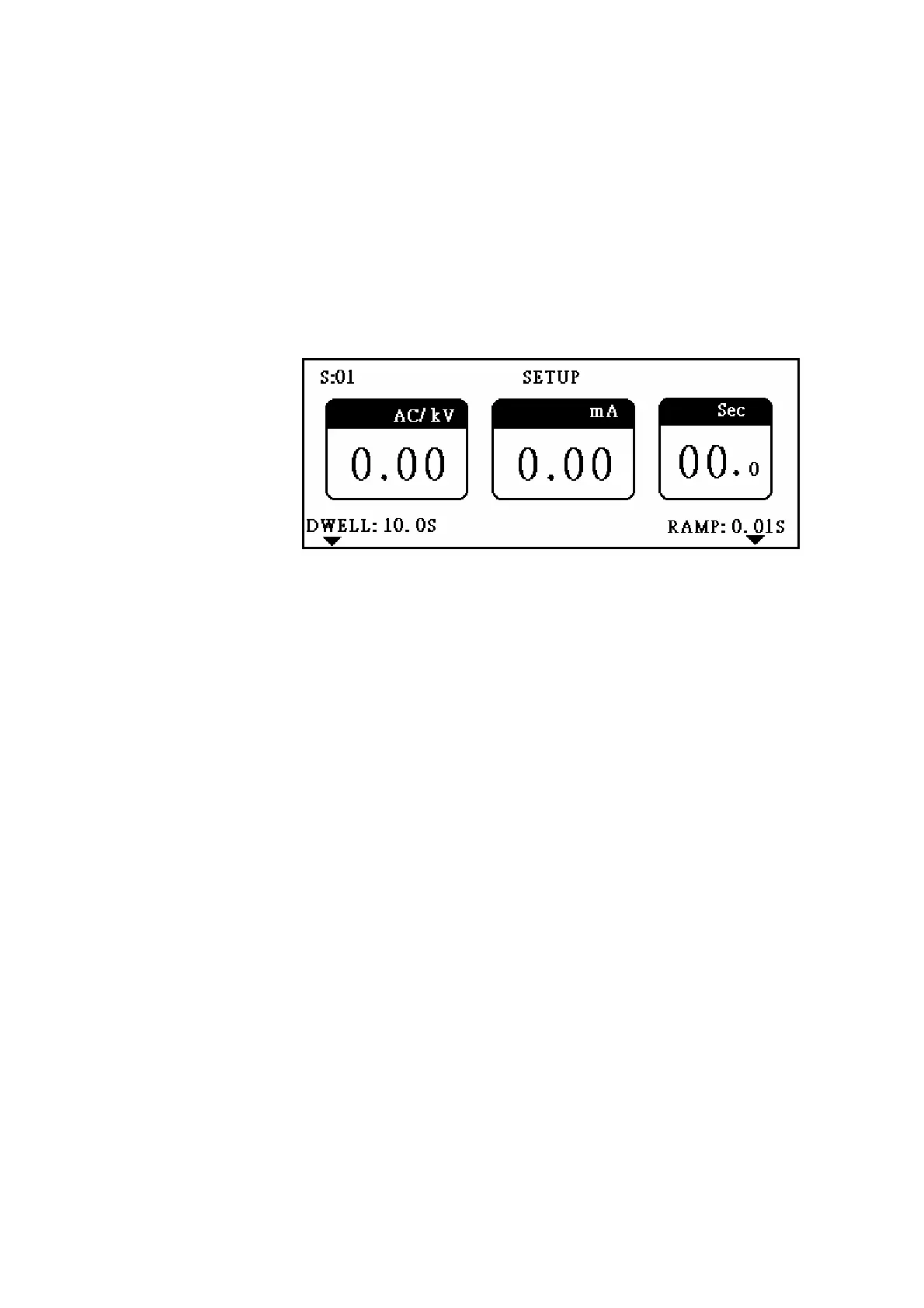
Press S5 to enter voltage dwell and ramping time setting display as figure 8.
Parameter 1 is voltage dwell time setting. Press S1 to enter setting display. The
setting procedure is the same as general setting. The set time is the testing time,
and it would be non-stop testing if set to 00.0.
Parameter 2 is voltage ramping time setting. Press S5 to enter setting display. The
setting procedure is the same as general setting. The set time is the time that
power rises from zero to the set voltage.
Figure 8
5. FUNCTION KEY INSTRUCTION:
(1) TEST button: Press this button to trigger the test.
(2) ABORT button: Press this button during test to abort the test. If test result is fail, red
light will turn on and buzzer will alarm. To stop red light and buzzer, also press this
button.
(3) RESET button: Press this button to reset system.
(4) SAVE/RCL button: Press this button to enter SAVE/RECALL display as figure 9.
Option 1 is to save single test file. When all settings are done, choose this item to save
file. Press S1 to enter single file saving display, and key in numerical file name (could
save 25 files at most). The setting procedure is the same as general setting. All set
values will be saved in non-volatile memory, and won’t be lost even if the tester is turned
off.
Option 2 is to recall single test files. Press S2 to enter single file recalling display. The
setting procedure is the same as the general setting. If the recalled file name is new, all
settings will be the default value.
Option 3 is to save multi-test file. The item is to save several single test files into one
multi test file, and recalls single files to do test one by one from the multi test file. Totally,
you can save 10 multi test files, and 8 single test files in one multi test file. The setting



 To Next Page