Options Menu / INFO / REVIEW CONFIGURATION
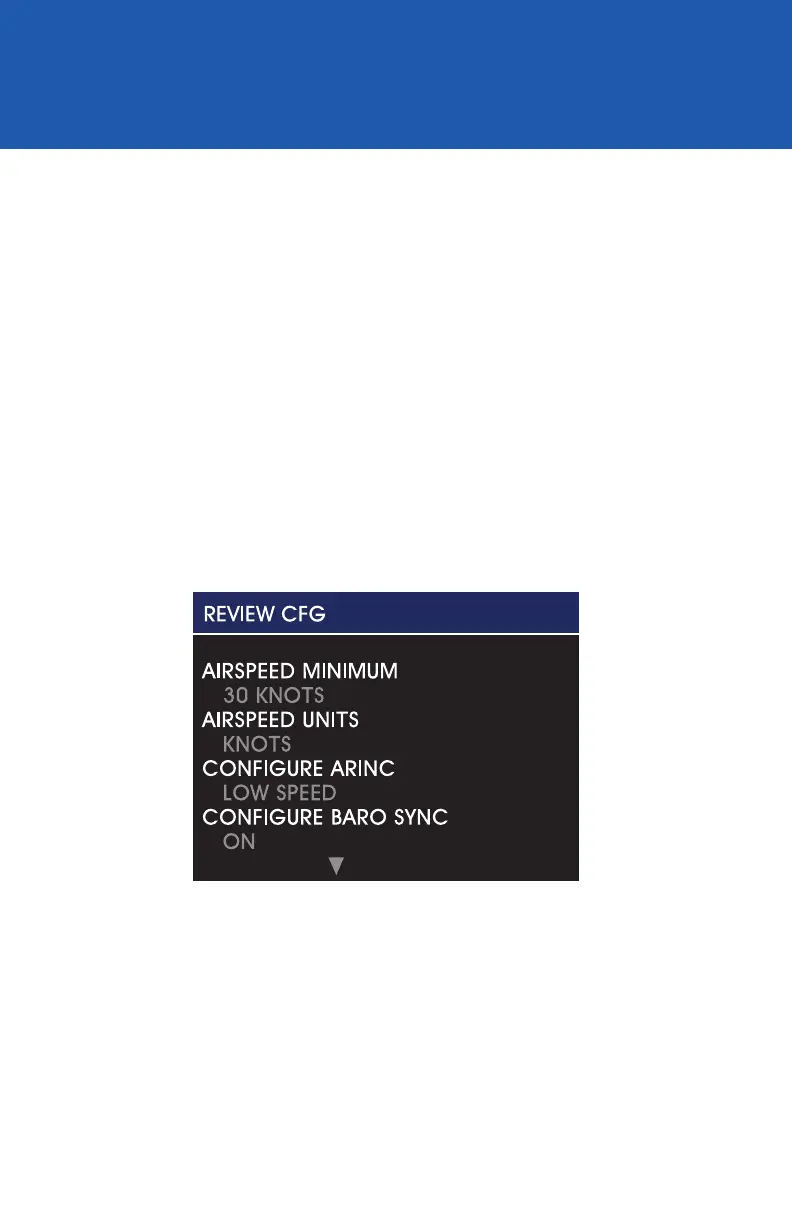
The Review CFG selection (Image 23) allows the user to review
all of the values saved in unit memory previously set in Conguration
Mode during installation or maintenance. There are no selectable
options and this feature provides a view-only verication of information.
When selected, the Review CFG screen will appear and allow the user
to scroll through all of the conguration values (Image 24). Push the
Control Knob to return to the INFO submenu.
REVIEW CONFIG
REV. F Sept 15, 2015 Manual Number 9017846
25
Image 24


 To Next Page