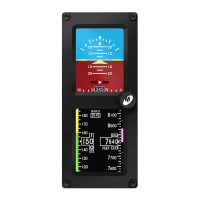
The Slip Indicator portion of the display will appear at the bottom
of the Attitude Display (Image 5). If Heading Operation is enabled,
the Slip Indicator will appear to the left and above the Heading Window
in horizontal orientation, and directly above the Heading Window in
vertical orientation (Image 6).
The Slip Indicator is represented by a shaded translucent background
with two white lines around center and a white ball. When the ball is
maintained between the vertical lines during banking maneuvers, the
turn is considered “coordinated” without slip.
The Slip Indicator’s background becomes semi-transparent if the
Roll Scale or Roll Pointer pass behind the indicator. All other elements
remain visible.
Flight Mode / SLIP OPERATION
REV. F Sept 15, 2015 Manual Number 9017846
7


 To Next Page