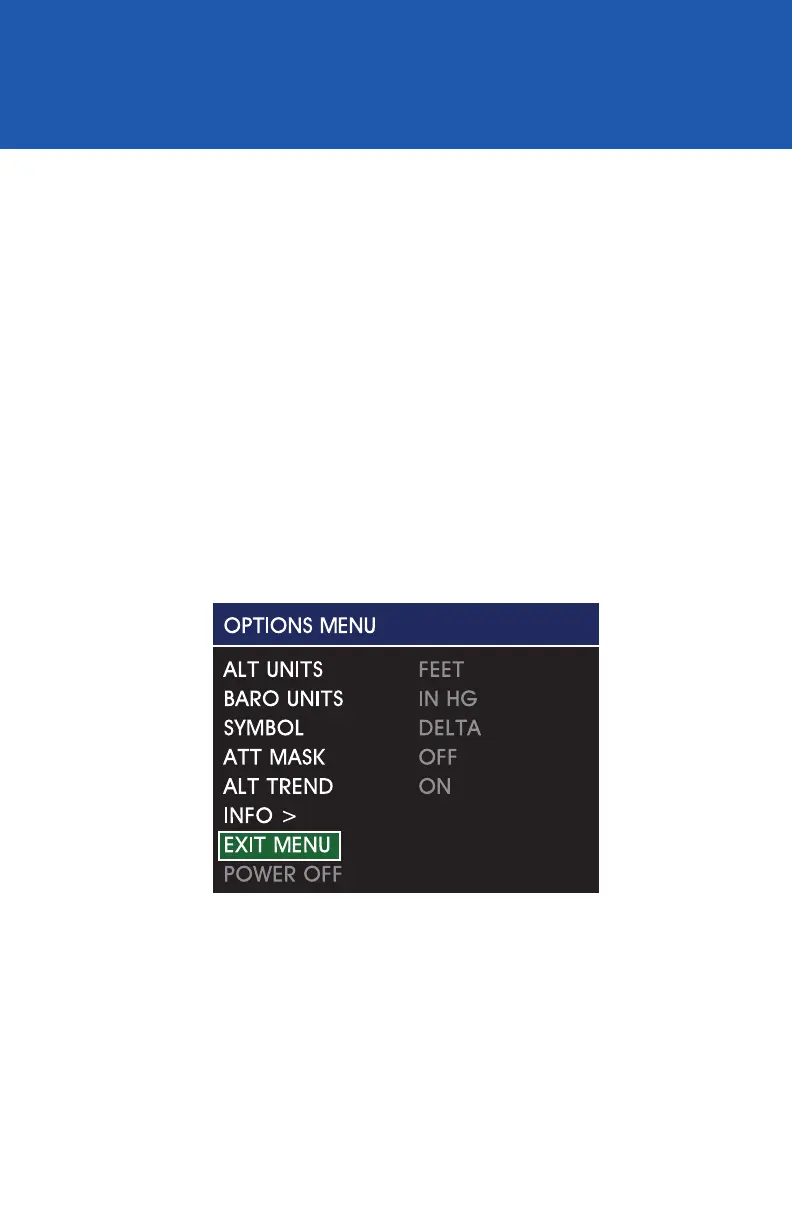
Options Menu / EXIT MENU
EXIT MENU
Image 26
The Exit Menu action allows the user to manually exit the Options
Menu and return to the active Attitude Display. There are no selectable
options. After conrming any setting by selecting it, that setting will
become active and it will be saved in memory. This will occur regardless
of whether the Exit Menu command is selected or should it time out
after approximately ten seconds of inactivity and automatically revert
to the Attitude Display (Image 26).
REV. F Sept 15, 2015 Manual Number 9017846
27


 To Next Page