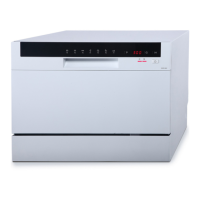
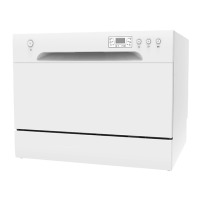
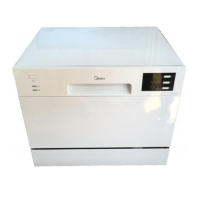
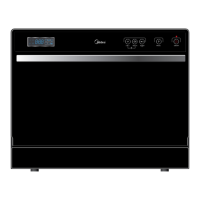
13
Removal and Replacement
1. Disconnect power supply.
2. Remove all screws for fixing control panel. (see control panel removal and installation)
3. Put out all housings for connecting operating board.
4. Remove screw and unfix all snaps for fixing the operating board. (see control panel
removal and installation)
5. Reverse the above procedure to install. And check out all connectors connected well.
The outer door covers the door to the dishwasher and protects the detergent dispenser.
Removal and Installation
1. Open the door of dishwasher. And remove all screws for fixing outer door.
2. Reverse the above procedure to install. And check out all connectors connected well.
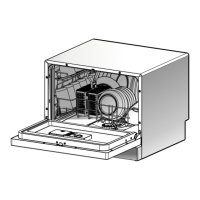
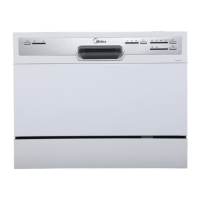
Front View (with outer door assembly removed)
Pa
Nam
stream resistant cotton
ispen
sound absorbi
cotton 4 door hinge (left) 5 door hinge(right) 6 rod for door
hinges 7 kick board
Operati
boa
5
1
2
3
4
6
7
Screws


 To Next Page
 Loading...