Expert mode
56
In Expert mode you can change the
portion size while the drink is being
made. The setting will not be saved and
will only apply for the current drink.
If you select DoubleShot or two
portions, Expert mode is not
available.
Switching Expert mode on and
off
The Drinks menu is shown in the display.
Touch .
Select Settings and then Expert
mode.
To switch Expert mode either on or
off, select the option you want.
Touch OK.
If Expert mode has been switched on,
you can now change the portion size
while the drink is being dispensed.
Expert mode: changing the
amount of coffee and portion
size
The Drinks menu is shown in the display.
The portion size can only be changed
when the respective ingredient is
being processed while the drink is
being made.
Changing portion size
Select a drink.
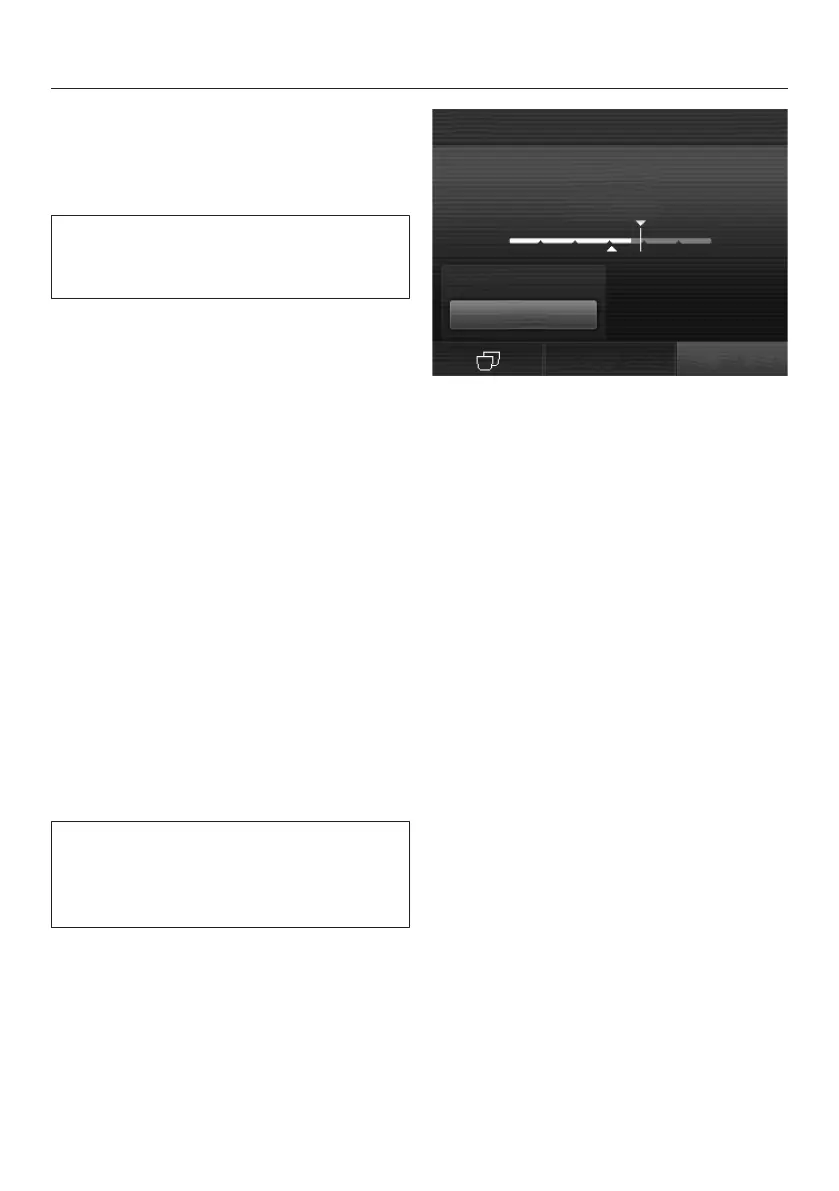
Dispensing will start. You can adjust the
portion size while it is being dispensed,
e.g. individually change the amount of
hot milk, milk froth and espresso for
Latte macchiato.
Touch the segments and adjust the
indicator (small triangle) as you wish.



 To Next Page