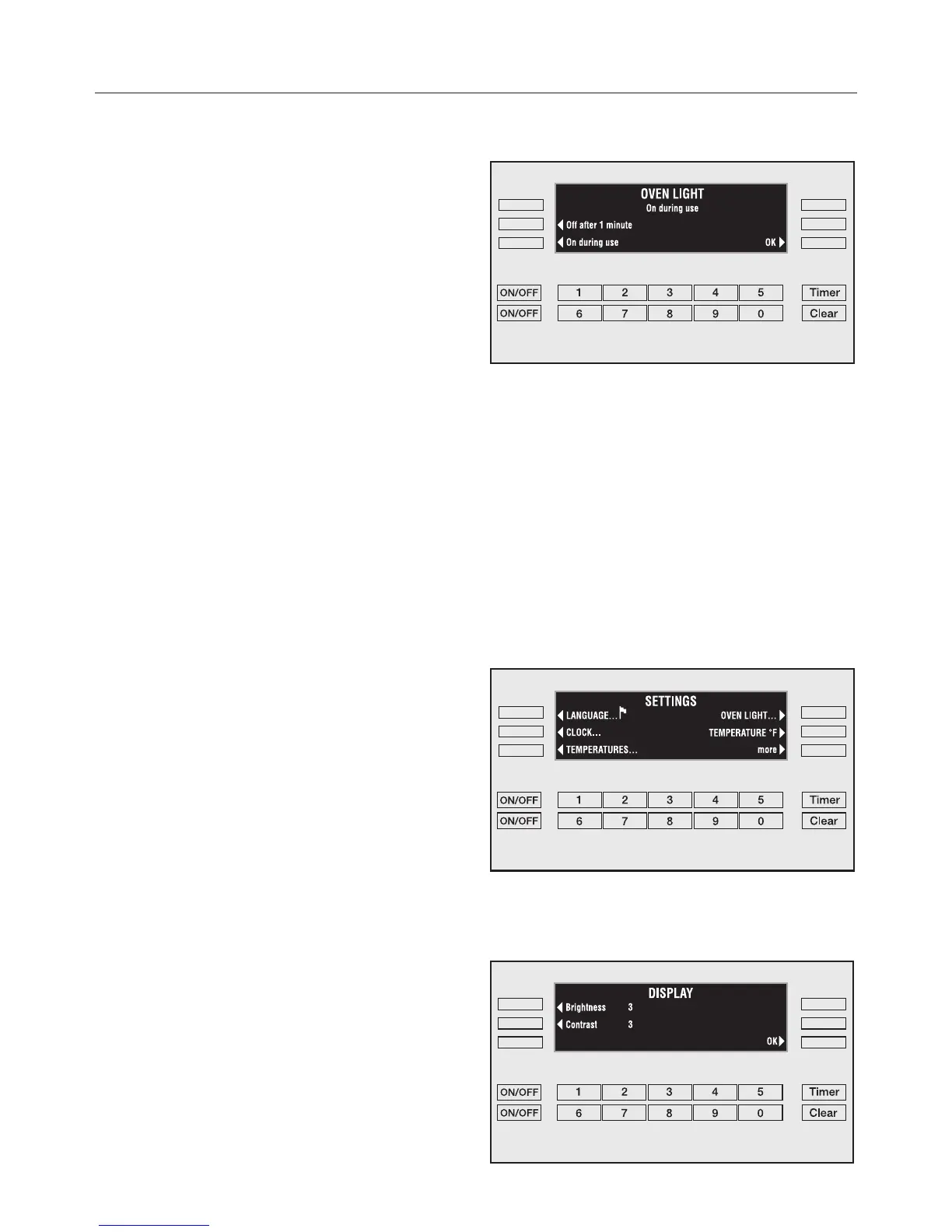
Oven Light
The "on" duration of the oven light can
be altered.
^
Touch the control of the light setting
you wish to choose.
–
"Off after 1 minute"
The light goes off after the first
minute of a function.
–
"On during use"
The oven light remains lit during a
function.
The selected setting will appear in the
display.
^ Touch the "OK" control to confirm the
selection.
Temperature °F/°C
All oven temperatures can be displayed
in either Fahrenheit or Celsius degrees.
^
Touch the "TEMPERATURE" control to
toggle between °F and °C.
Display
The brightness and contrast of the oven
display can be adjusted by touching
the controls next to "Brightness" and
"Contrast".
SETTINGS
17



 To Next Page