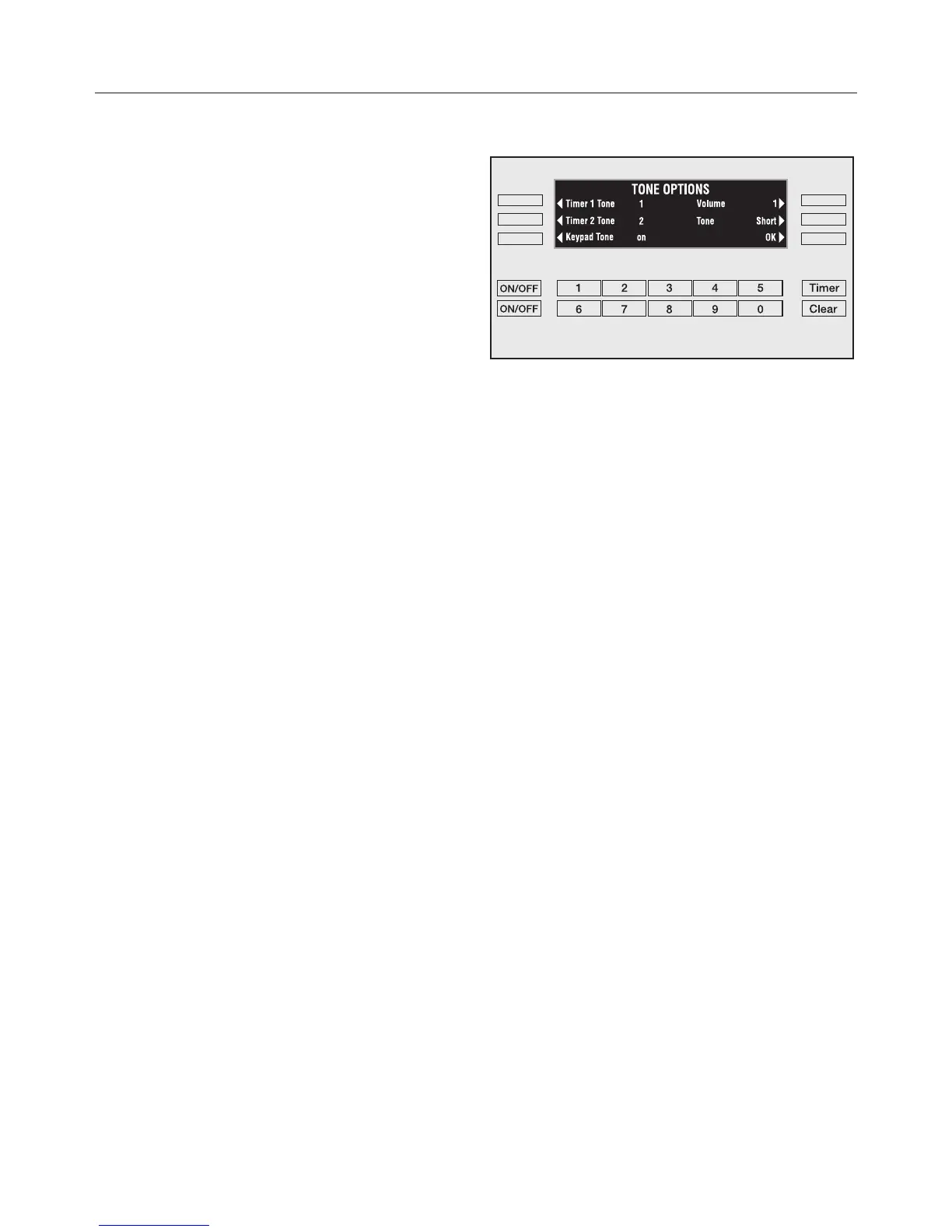
Tone Options
Unique tones may be set for each of
the two timers to differentiate the timers
from an oven function tone.
"Timer 1" and "Timer 2"
The tone of Timer 1 and Timer 2 can be
set to one of five tone options.
^
Select "Timer 1 Tone" or "Timer 2
Tone" by touching the corresponding
control to the left.
With every touch on the respective
control, another tone will sound and the
display will show the tone number.
For example, Timer1 Tone1.
^ Select the tone for each timer.
"Keypad Tone"
The keypad can be set to make a
sound with every touch of a control.
^ Touch the "Keypad tone" control to
toggle between the on and off
settings.
SETTINGS
18



 To Next Page