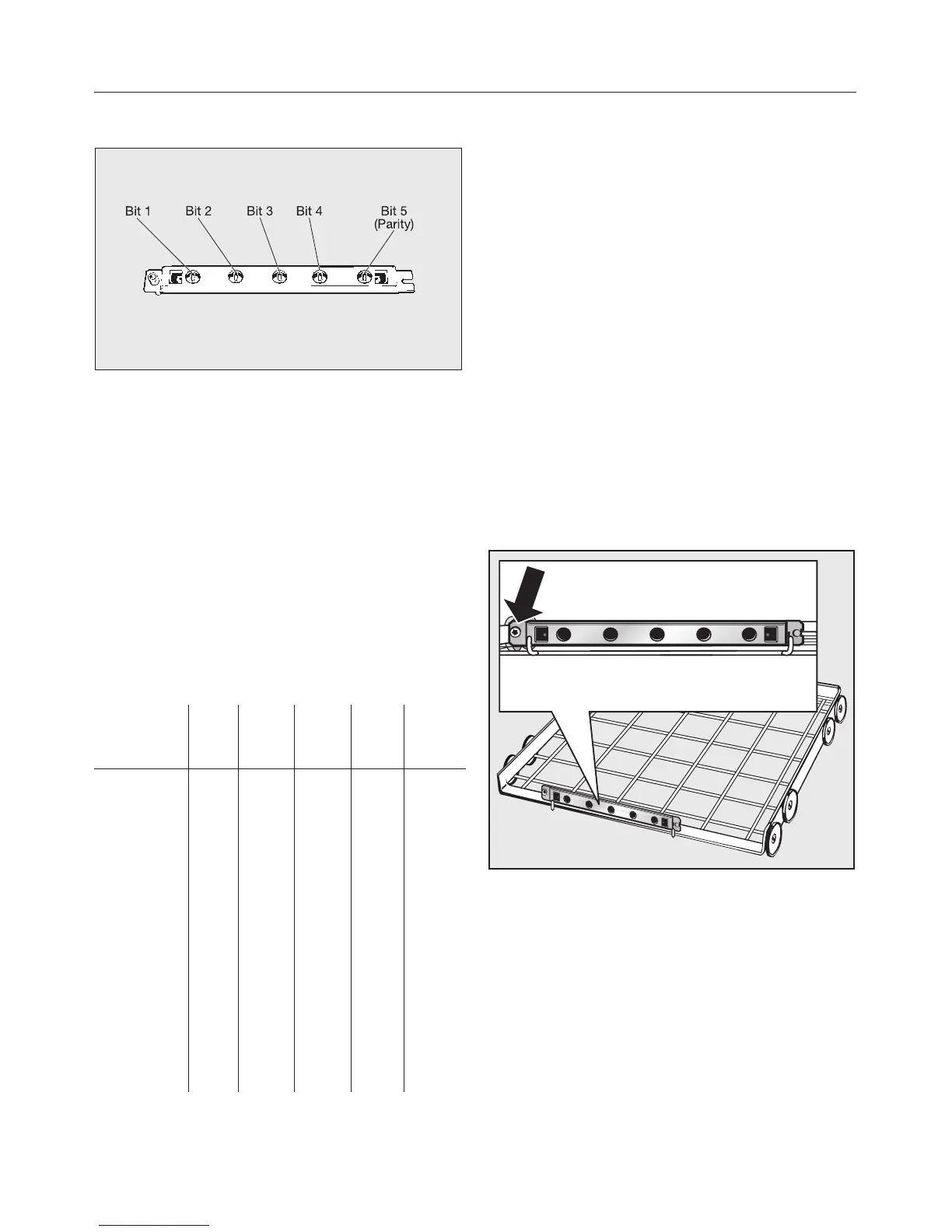
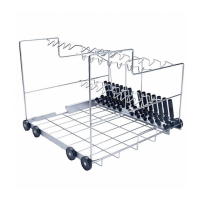
Coding is effected through 5 Bits:
–
Bits 1 to 4 define the mobile unit
code,
–
Bit 5 serves as a control (Parity Bit).
Mobile unit coding strip
15 different codes can be set. They are
assigned to programme places 1 to 15.
Under "System function, Selector switch
organisation" the matching
programmes have to be put into the
first 15 programme places.
Programme
place
Bit 1 Bit 2 Bit 3 Bit 4 Bit 5
Parity
Bit
-
1
2
3
4
5
6
7
8
9
10
11
12
13
14
15
0
I
0
I
0
I
0
I
0
I
0
I
0
I
0
I
0
0
I
I
0
0
I
I
0
0
I
I
0
0
I
I
0
0
0
0
I
I
I
I
0
0
0
0
I
I
I
I
0
0
0
0
0
0
0
0
I
I
I
I
I
I
I
I
0
I
I
0
I
0
0
I
I
0
0
I
0
I
I
0
The coded total must be an even
number.
If the coded total gives an odd number
the message CHECK MOBILE UNIT
RECOGNITION appears.
If the mobile unit total equals 0, the
message NO MOBILE UNIT
RECOGNITION will appear. In neither
case can the programme be started,
The mobile unit recognition function
must be re-set.
Setting mobile unit coding
To set or alter the coding of a mobile
unit with automatic recognition (AWK),
proceed as follows:
^
Unscrew the track with AWK (using
an allen key) and remove from the
retainer.
Automatic mobile unit recognition (AWK) (optional)
19


 To Next Page