To activate Auto heat-up
^
Switch the cooking zone on by
touching the - sensor switch until the
continued cooking setting you
require appears in the in the display,
e.g. 3.
The 12 curved lines show in the
light-ring during the Auto heat-up time.
After the Auto heat-up time has
finished, only the number of curved
lines, for the relevant continued
cooking setting which has been
chosen, show in the light-ring.
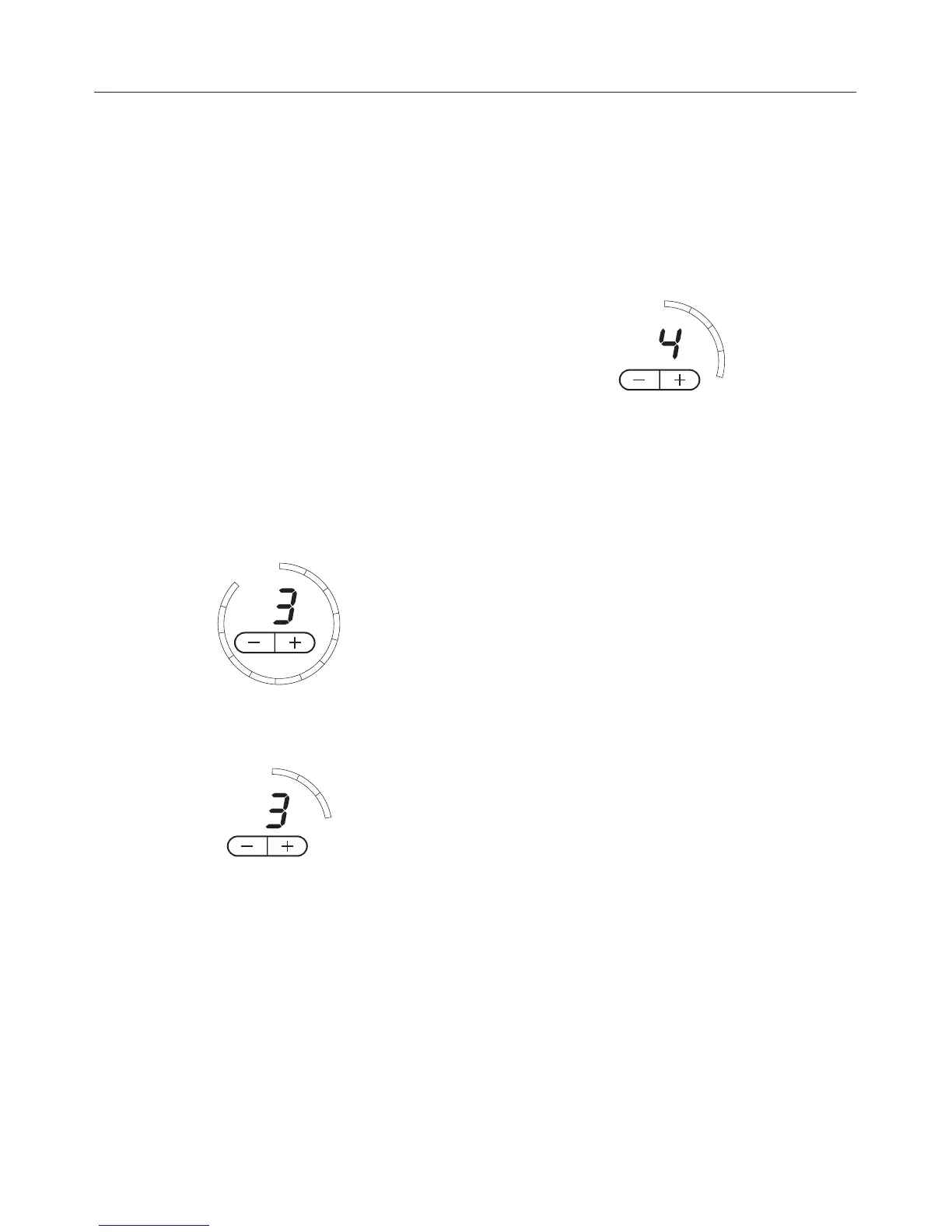
Example:
during the Auto heat-up time:
during the continued cooking time:
At any point during the Auto heat-up
time you can use - or + to lower or
increase the continued cooking setting.
The Auto heat-up time will alter
accordingly.
Cooking without Auto heat-up
^
Switch the cooking zone on by
touching the + sensor until the
continued cooking setting you
require appears in the in the display,
e.g. 4.
The same number of curved lines will
show in the light-ring, i.e. if setting 4 is
selected, four segments will light up.
Use
23



 To Next Page