The cooktop must be switched on to use the timer.
The timer can be used for two different functions:
–
To set the minute minder
–
To set a cooking zone to switch off automatically.
You can select a time from 1 minute (01) to 9 hours (9^).
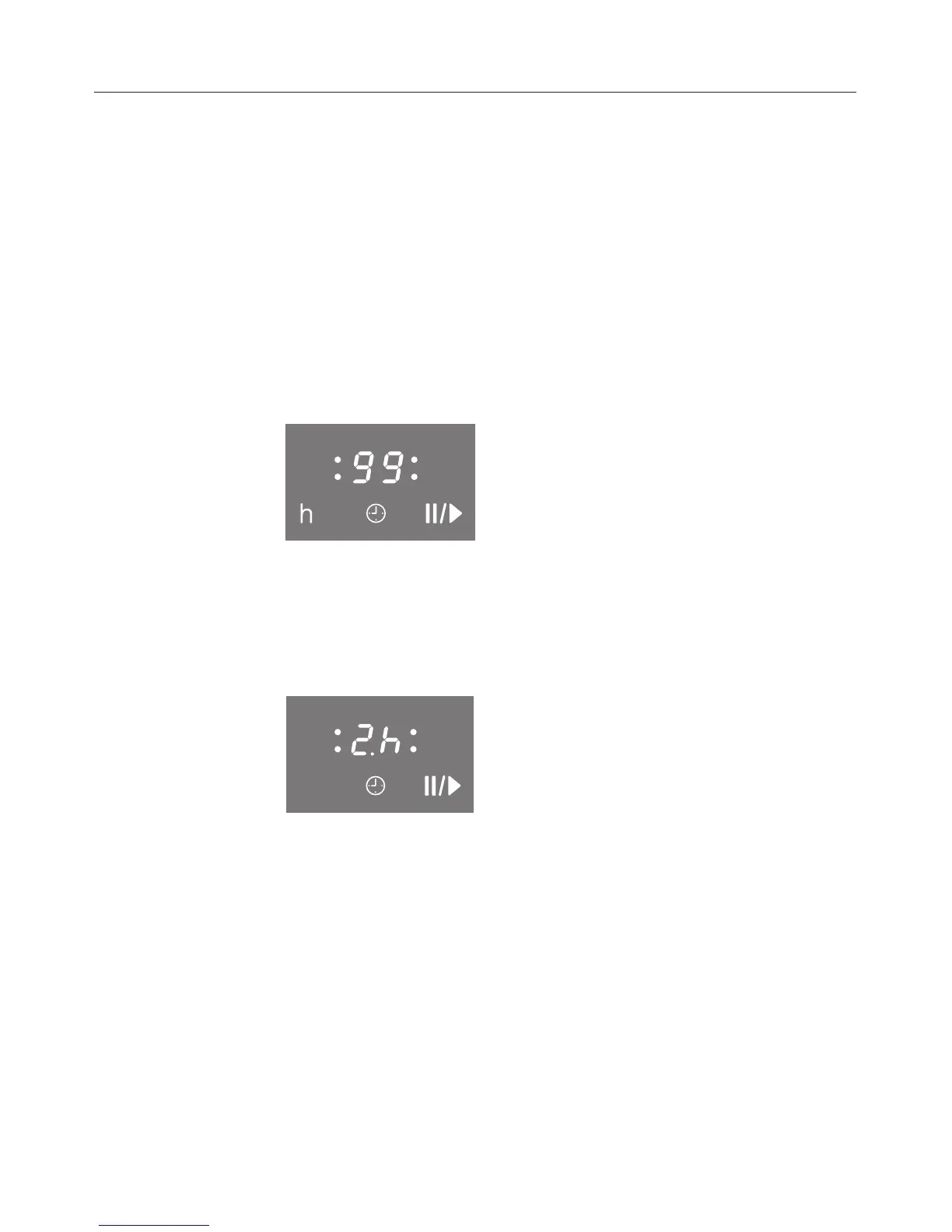
A time up to 99 minutes is set and displayed in minutes.
Example:
With a time of more than 99 minutes, the timer must be
switched to hours. The time is set in half-hour steps. The half
hour is indicated by a dot after the number.
Example (2 hours 30 minutes):
When the set time has elapsed, 00 appears in the timer
display and an audio signal sounds for a few seconds.
Timer
33



 To Next Page