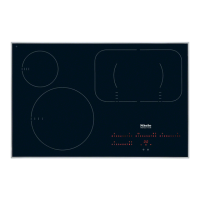
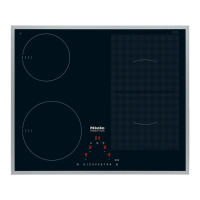
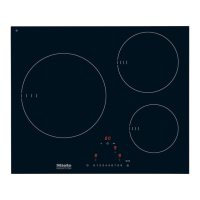
Registering the cooktop
If you want to register your cooktop
–
for Miele{home, first prepare the registration procedure
on the display device (see Miele|home installation
instructions)
–
for Con|ctivity, you must first register the hood (see
Con|ctivity installation instructions).
^
With the cooktop switched off, touch the s and $ sensors
at the same time until the Lock indicator flashes.
After starting the programming function, P (Program) and S
(Status) will appear in the timer display. With cooktops that
have 3 cooking zones, an additional display appears at the
back left.
^ Touch the sensor for the front left cooking zone followed
by 1 on the settings bar. (Program 10 selected).
^ Touch the sensor for the front right cooking zone followed
by 2 on the settings bar. (Status 2 selected = Registration).
The registration process begins and 2 flashes. Registration
will take a few minutes. 2 will become steady when the
process has been completed successfully.
^ To save the setting, touch the s sensor until the displays
go out.
^
Follow the installation instructions of Miele|home or
Con|ctivity.
Con|ctivity and Miele|home
58



 To Next Page