Hours
To set full hours, touch the respective number on the settings
bar.
To set the half hours, touch the space between 2 numbers on
the settings bar.
Example: You want to set a time of 2 hours and 30 minutes
^
Switch the cooktop on.
^
Touch the m sensor.
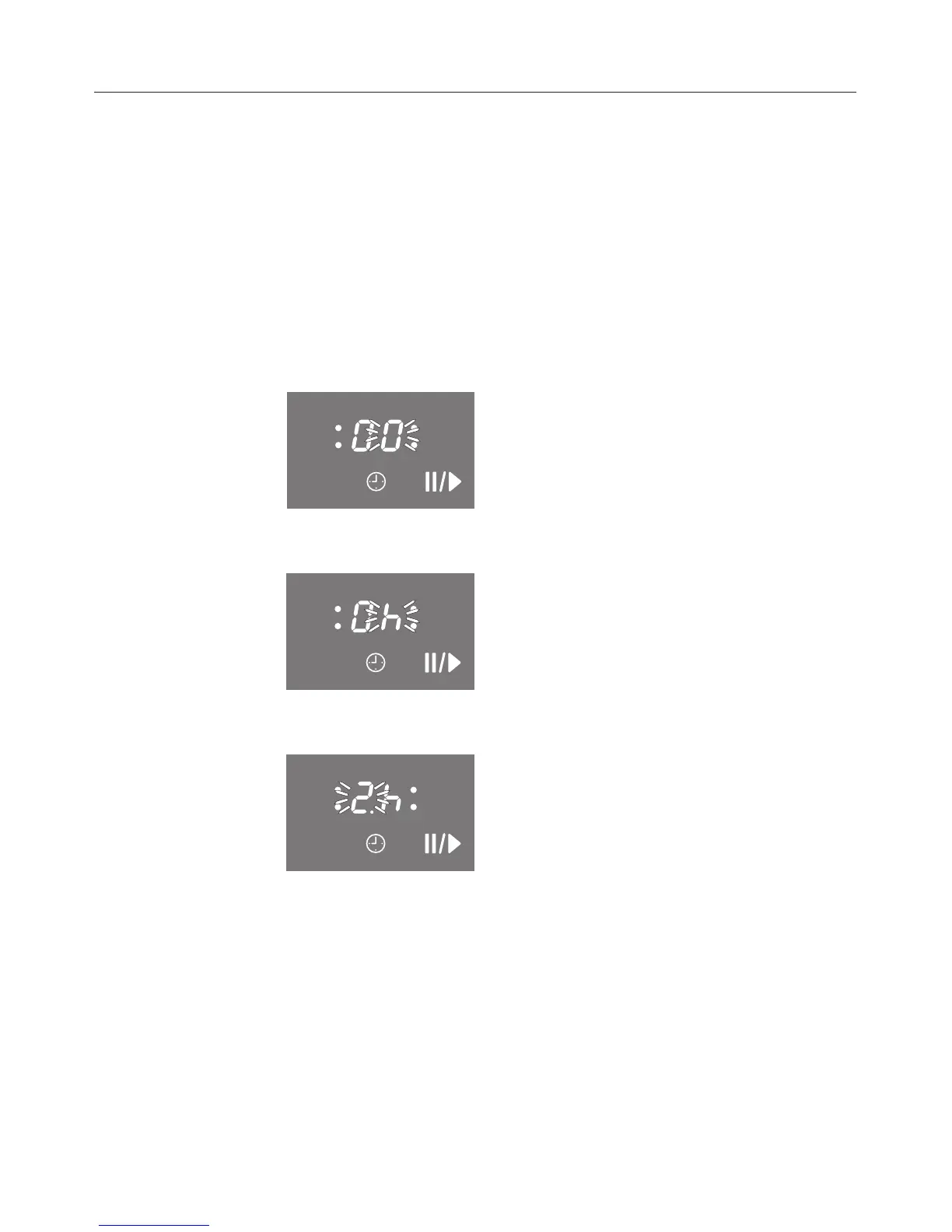
00 appears in the timer display, and the right 0 flashes.
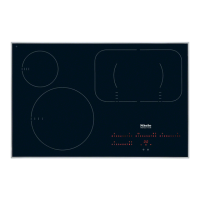
^ Touch the h sensor to switch the display to hours.
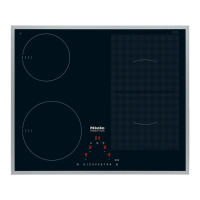
^ Touch the settings bar between the numbers 2 and 3.
After a few seconds the timer display will be steady. The
minute minder starts counting down.
Timer
35



 To Next Page