Commissioning
22
Setting the
temperature unit
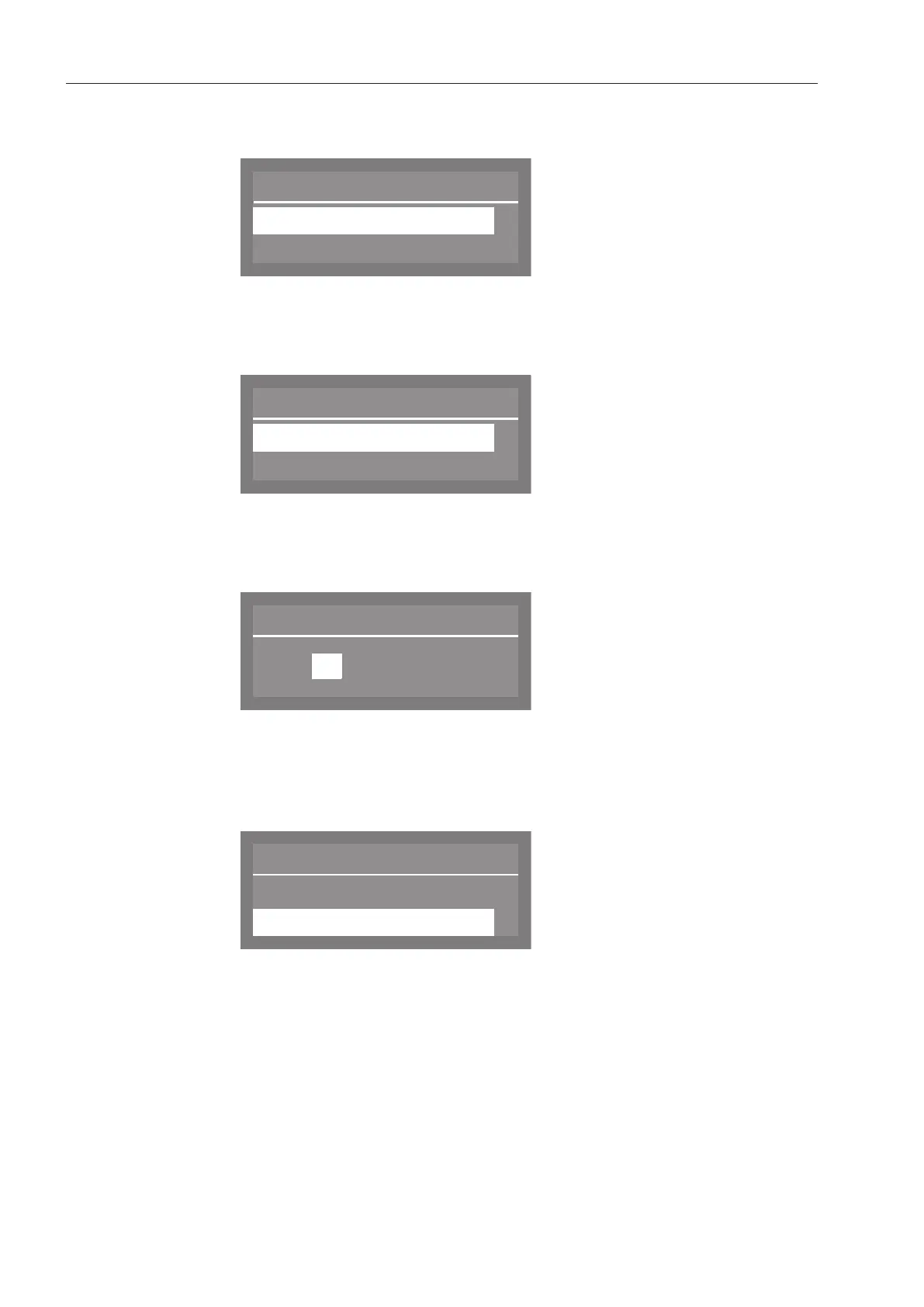
The display will then change to the screen for setting the temperature
unit.
Use the and arrow buttons to select the desired temperature
unit and confirm your choice with the OKbutton.
Setting the
date format
The display then will change to the screen for setting the date format.
Date format
DD:MM:YY
MM:DD:YY
(
Use the and arrow buttons to select the desired date format
and confirm your choice with the OKbutton.
Setting the
date
The display will then change to the screen for setting the date.
Use the arrow buttons (higher) and (lower) to set the day,
month and year, and confirm each entry with the OKbutton.
Setting the
clock format
The display will then change to the screen for setting the clock
format.
Use the and arrow buttons to select the desired format, and
confirm your choice with the OKbutton.



 To Next Page