Commissioning
23
Setting the
time of day
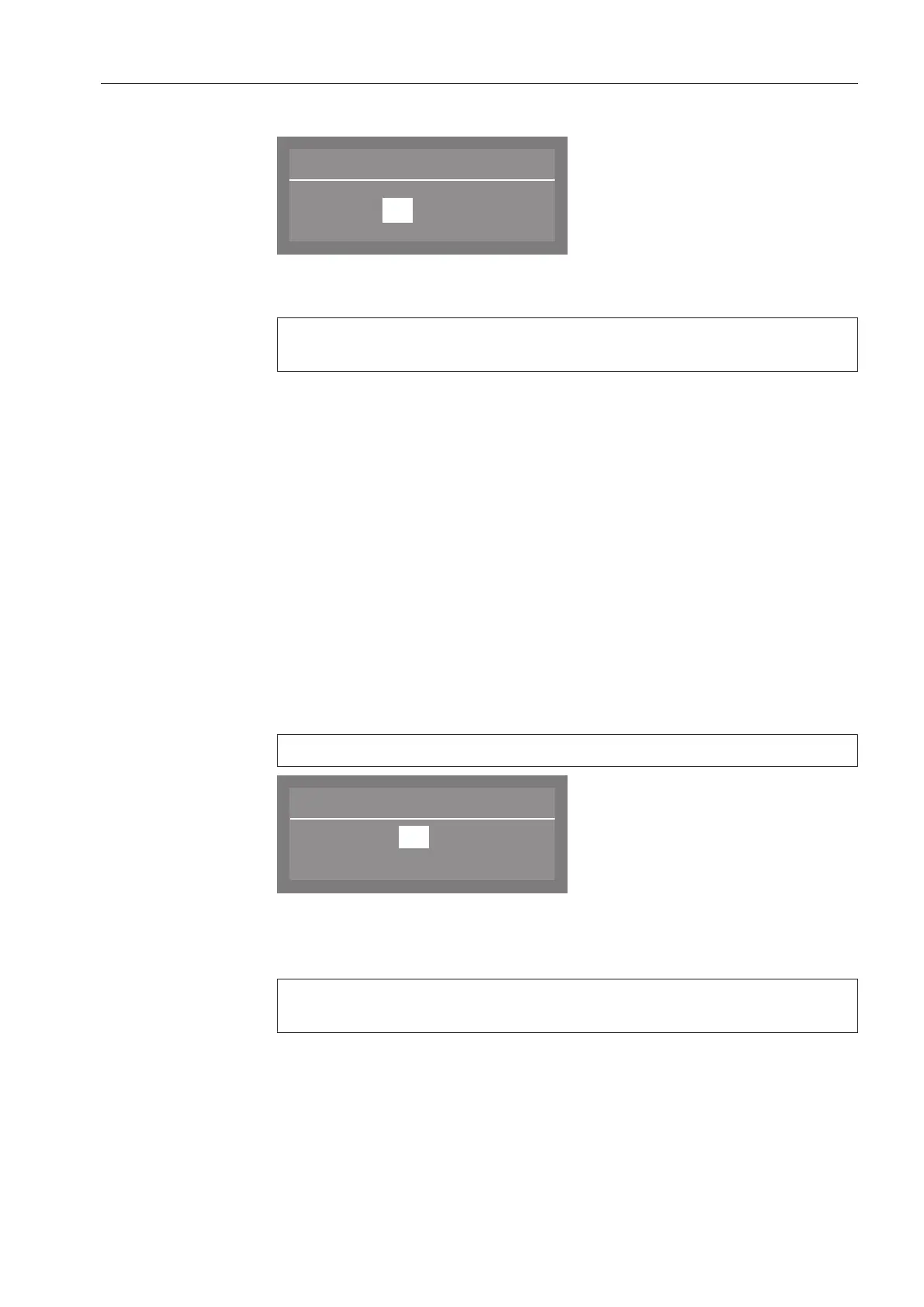
The display will then change to the screen for setting the time of day.
Use the arrow buttons (higher) and (lower) to set the hours and
minutes, and confirm each entry with the OKbutton.
If you have selected 12 h for the clock format, "am" or "pm" will
appear beside the time.
Setting the water
hardness level
The display changes to the water hardness setting.
The dishwasher must be programmed to match exactly the hardness
of your water.
Your local water supplier can tell you the water hardness level in
your area.
Where the water hardness fluctuates (e.g. 8-18 gpg/8-17 °dH),
always program the dishwasher to the higher value (in this example,
18 gpg/17 °dH).
It is useful to know your water hardness so that you can provide the
service technician with this information in the event of any service
calls.
Enter the water hardness below:
____________________gr/gal
The water hardness factory setting is programmed at 20 gpg (19°dH)
Water hardness
19
(0 - 70 °dH)
°dH
Use the arrow buttons (higher) and (lower) to set the water
hardness required and confirm your entry by pressing the OK
button.
See "Filling the dishwasher salt reservoir" for more information
about setting the water hardness level.



 To Next Page