Cleaning and care
35
It is essential to wax the heater plate after cleaning.
You can then switch directly to the waxing programme by pressing the temperature selec-
tion button on the right or exit the cleaning programme by pressing and holding the
button for at least 3seconds.
Starting the waxing programme
Press and hold the button for at least 3seconds.
2temperature selection buttons which do not take the form of temperature dots (e.g.)
are displayed.
To start the ironer waxing programme, press the temperature selection button on the
right.
The ironer will then switch to the waxing programme. 180°C is shown in the display.
To deactivate the waxing programme, press the button and then keep the button
pressed for at least 3seconds.
When the ironer has reached a temperature of 180°C, the button begins to flash. The
waxing programme is then ready to begin.
Press the flashing button to start the waxing programme.
The heater plate can then be waxed using the ironer waxing cloth.
If waxing has been successfully carried out in the waxing programme for a period lasting
at least 40seconds, the maintenance interval for prompting the cleaning and waxing of
the heater plate (indicated by a red symbol) will be reset.
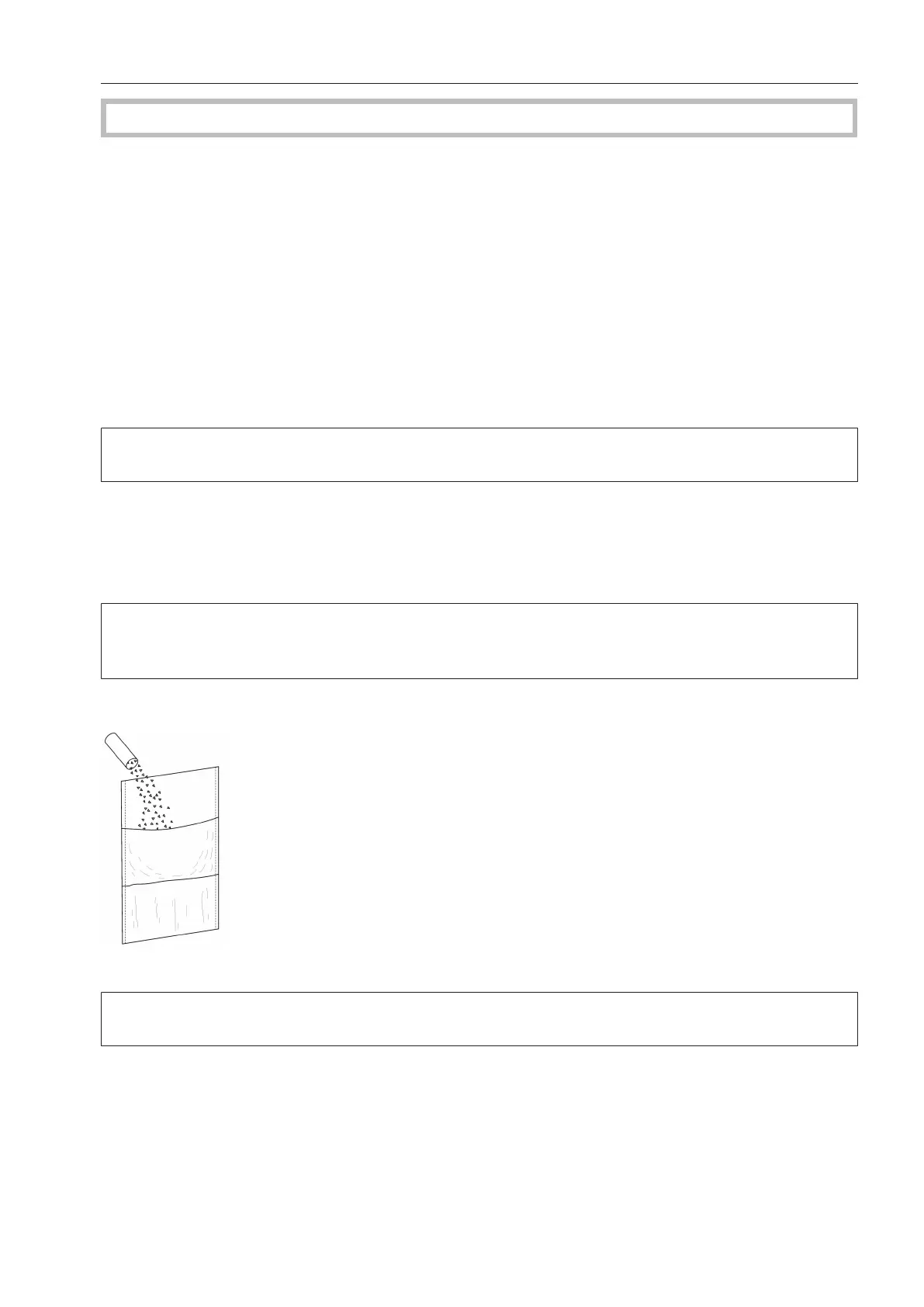
Using the ironer waxing cloth and ironing wax
Sprinkle some ironing wax into the pocket of the ironer waxing cloth.
Use the ironing wax sparingly to prevent the ironing cloth around the roller from becoming
too smooth.



 To Next Page