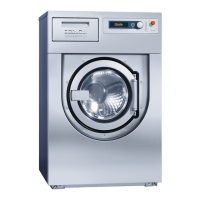
Description of the machine
16
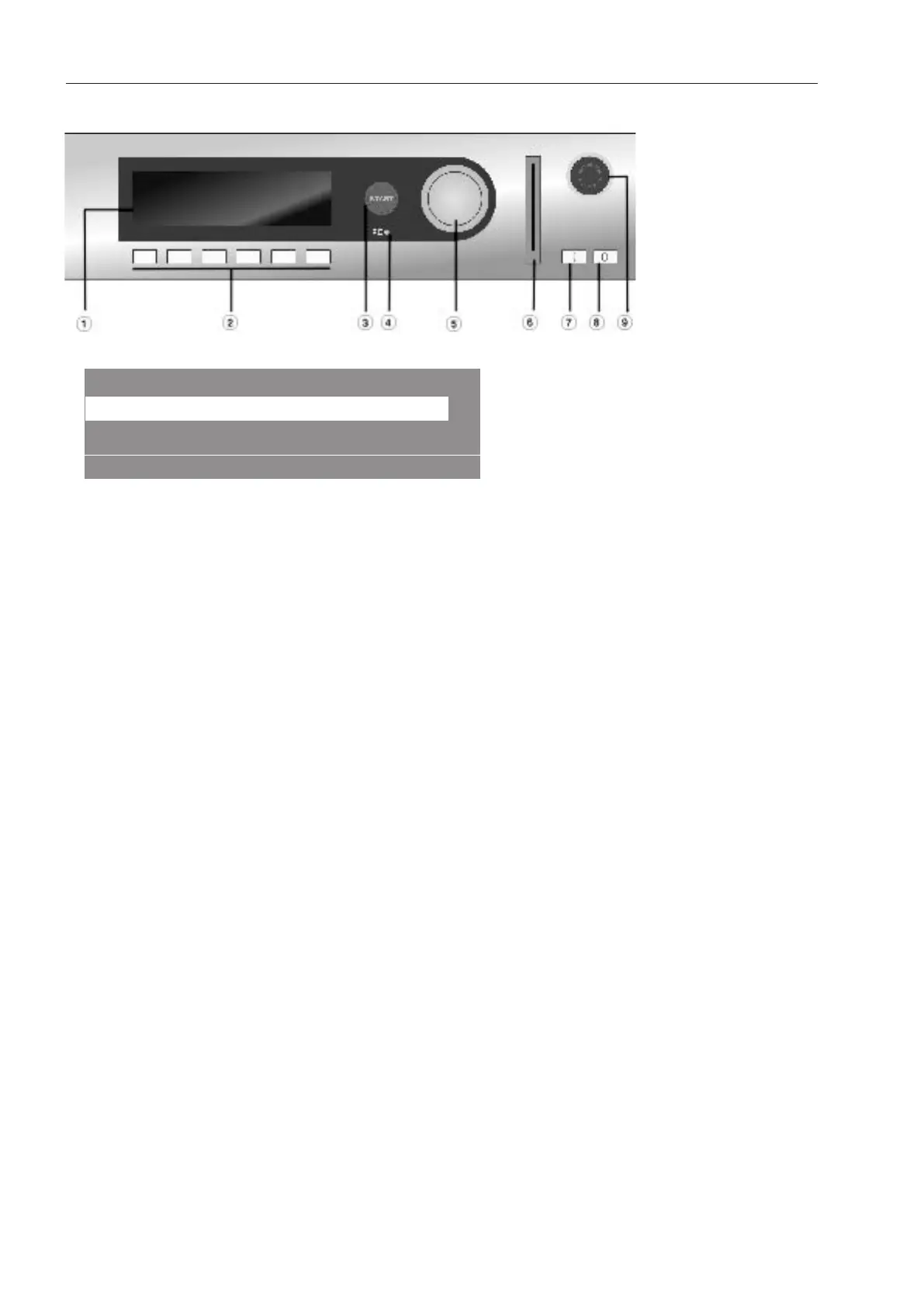
Control panel
a
Display
1 Cottons Hygiene 90
2 Cottons Universal 60
3 Cottons Intensive 60
°F
°F
°F
When the machine is switched on the welcome screen will appear briefly, followed by
the program list. The last started program is highlighted.
b
Function buttons
The six buttons underneath the display are the function buttons. These buttons can be
allocated specific functions depending on the status of the machine. These functions
appear in the display above the buttons and are highlighted when selected. By repro-
gramming “Direct button allocation”, the first six programs in the program list can be se-
lected using buttons 1–6.
c
Start button
The light ring around the button flashes when a selected program is ready to start. The
selected program starts when the button is pressed. After a program has started, the
display content can be shown again by pressing this button.
d
PC optical interface
Using PC software, data can be transmitted to and from the controls to a PC. The opti-
cal interface on the control panel provides the connection point.
e
Selector dial
Rotating the outer ring allows changes to be made to the display selection and input
fields and also confirms these changes.
f
Card reader
When a card is inserted, the wash programs on the card can be used. Insert the card in
the direction of the arrow.
g
I Power on button
Switch on the machine
h
0 Power off button
Switch off the machine
i
Emergency-off button
Only use in case of danger. Pressing the red button switches the machine off. When the
hazard has been removed, the button can be unlocked by turning it clockwise. When
the “START”button is pressed again, the interrupted program continues.



 To Next Page